

ChatGPT-এর ভেতরেই ইনস্টাটুন বানান
আলাপের ভেতরেই ইনস্টাটুন আঁকুন — আপনার চরিত্র, আপনার আঁকার ধরন, API কী ছাড়াই।
কার্ড ছাড়াই ফ্রিতে শুরু করুন।প্রতি মাসে 150 ক্রেডিট
GenToon কানেক্টর যুক্ত করুন
ধাপ 1 Developer mode চালু করুন
chatgpt.com (ওয়েব)-এ Settings → Security and login → Developer mode খুলে সতর্কবার্তা মেনে নিন। কিছু অ্যাকাউন্টে এটি Settings → Apps → Advanced settings-এর নিচে থাকে।
ডেভেলপার মোড কেবল ওয়েবের ChatGPT-তে চলে। অফিসের অ্যাকাউন্টে আগে প্রশাসককে সেটি খুলে দিতে হয়।
ধাপ 2 অ্যাপ বানিয়ে ঠিকানা বসান
chatgpt.com/plugins-এ Create app চেপে একটি অ্যাপ বানান। নাম দিন GenToon, MCP server URL-এ এই ঠিকানা বসান, আর OAuth বেছে নিন। তারপর Scan Tools → GenToon-এ সাইন ইন → Create।
client ID বা secret দিতে হয় না — GenToon নিজেই নিবন্ধিত হয়ে যায়।
ধাপ 3 নতুন আলাপে এটি বেছে নিন
নতুন আলাপ শুরু করুন, «+» মেনু থেকে Developer mode বেছে নিন, GenToon নির্বাচন করে বলুন। GenToon এখনো ChatGPT-এর অ্যাপ ডিরেক্টরিতে নেই, তাই পথটা এটাই।
বানানো শুরু করুনপরের বার্তায় GenToon ডাকা না হলে @GenToon লিখে আবার ডেকে নিন। MCP অ্যাপ এখনো কেবল ওয়েবেই চলে।
Claude Code, Codex বা Gemini CLI-তে দুটি কমান্ডই যথেষ্ট — রেজিস্টার করুন, তারপর সাইন ইন।
যুক্ত করলে কী কী অনুমতি যায়
অনুমতি, ক্রেডিট, সংযোগ বিচ্ছিন্ন করা আর টোকেন কীভাবে রাখা হয়।
আপনি কী অনুমতি দিচ্ছেন
যুক্ত হওয়া AI আপনার GenToon অ্যাকাউন্ট দিয়ে পড়তে, বানাতে, সম্পাদনা করতে আর প্রকাশ করতে পারে। অনুমতি দেওয়ার আগে পর্দায় অ্যাপের নাম আর ফিরে যাওয়ার ঠিকানাটা হুবহু দেখানো হয়।
ক্রেডিট কখন কাটে
কেবল যে মুহূর্তে সত্যিই কিছু আঁকা বা তৈরি হয়। কানেক্টর শুধু ব্যালান্স পড়ে; কাটাকাটি ওয়েব স্টুডিওর মতো একই পথ আর একই হিসাবেই থাকে।
যেকোনো সময় বিচ্ছিন্ন করুন
সেটিংস › যুক্ত অ্যাপ থেকে অনুমতি তুলে নিলে ওই অ্যাপের টোকেন সঙ্গে সঙ্গে অকেজো হয়ে যায়। প্রতিটি যন্ত্র আর প্রতিটি অ্যাপের সংযোগ আলাদা।
আমরা আপনার টোকেন রেখে দিই না
ইস্যু করা টোকেন কেবল হ্যাশ হিসেবে রাখা হয়; আসলটি একবারই দেওয়া হয়। প্রতিবার নবায়নে নতুন টোকেন হয়ে যায়।
MCP কীভাবে কাজ করে?
ChatGPT-এর ভেতরেই বলুন, GenToon এঁকে সেখানেই ফিরিয়ে দেয়।
আপনি: আট কাটের একটা শান্ত ইনস্টাটুন আঁকো — একটা বিড়াল আর তার মালিকের গল্প।
ChatGPT: GenToon-কে আঁকতে বলছি, প্রতিটি কাটে সংলাপসহ।
ChatGPT: হয়ে গেছে — আপনার প্রোজেক্টে সেভ করে রেখেছি।
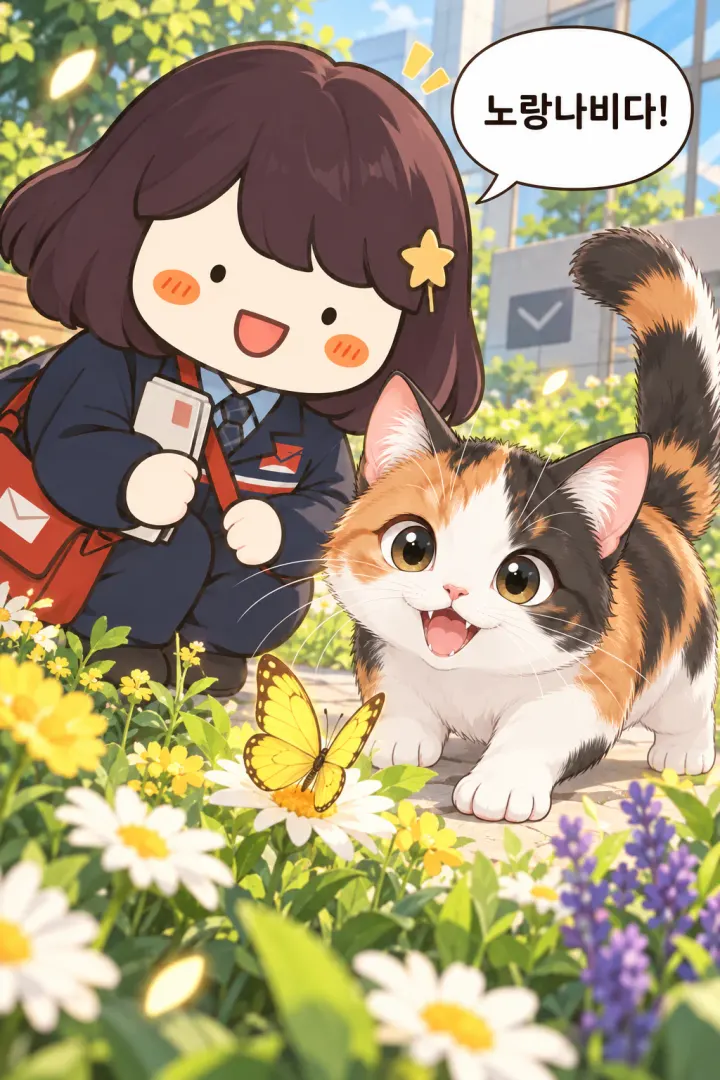
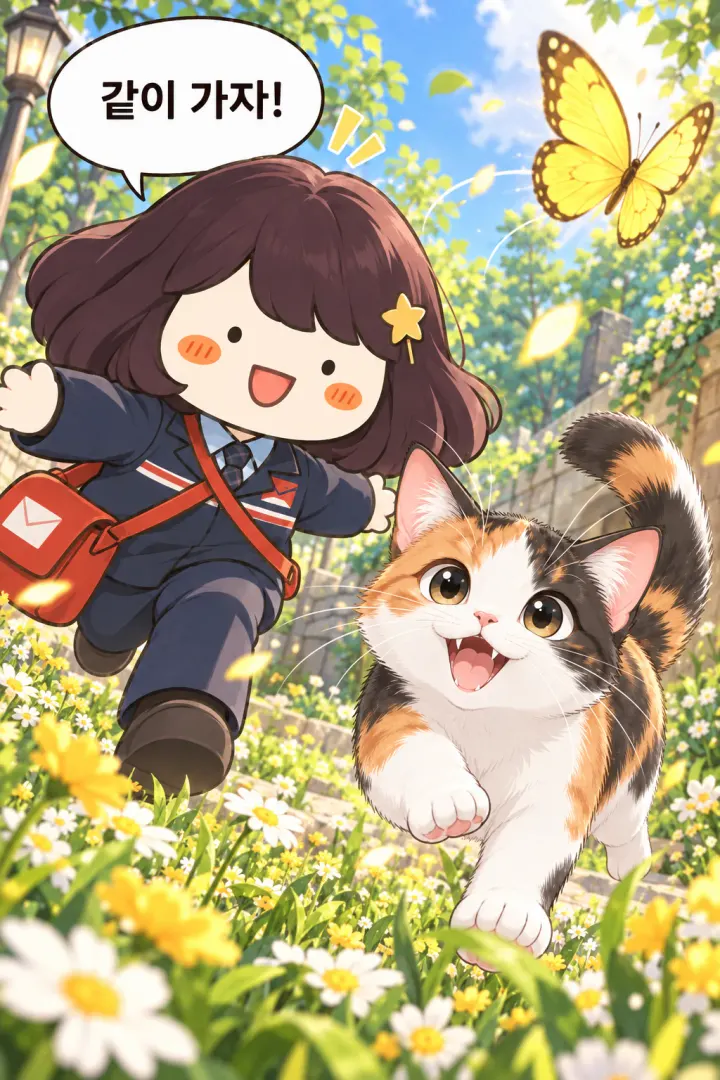
প্রতিটি কাট আলাদা ছবি হিসেবে আসে। এটি আপনার GenToon প্রোজেক্টে জমা থাকে, তাই স্টুডিওতে গিয়ে আরও সাজানো যায়।
GenToon দিয়ে বানানো একটি উদাহরণ ইনস্টাটুন।
GenToon-এর টুল দিয়ে বানান
আলাপে শুধু বলে দিন — ছবিটা ChatGPT-এর ভেতরেই আঁকা হয়।
9টি টুল
 সোমবারের আলসেমি নিয়ে একটা ইনস্টাটুন বানাও
গোটা ইনস্টাটুন বানান
প্রতি কাটে 13 + প্রতিটি নতুন চরিত্রে 13 ক্রেডিট অফিসের দুপুরের বিরতি নিয়ে ইনস্টাটুন চাই — আগে সাজানোটা দেখাও
সাজানো দিয়ে শুরু করুন
বিনামূল্যে এই সাজানোর জন্য গল্প আর সংলাপ লিখে দাও
গল্প আর সংলাপ লিখুন
বিনামূল্যে — প্রতিটি নতুন চরিত্রে 13 ক্রেডিট বেশ — ঠিক এভাবেই এঁকে দাও
ঠিক করা গল্প অনুযায়ী আঁকুন
প্রতি কাটে 13 ক্রেডিট একটা চরিত্র বানাও: ছোট চুল আর চশমা পরা এক অফিসকর্মী
চরিত্র বানান
13 ক্রেডিট এই ছবির মানুষটিকে চরিত্র বানিয়ে দাও
ছবি থেকে চরিত্র বানান
13 ক্রেডিট আমার GenToon চরিত্রগুলো দেখাও
আমার চরিত্রগুলো আনুন
বিনামূল্যে জলরঙের মতো একটা আঁকার ধরন খুঁজে দাও
আঁকার ধরন খুঁজুন
বিনামূল্যে এই ছবির ঢঙটা আমার আঁকার ধরন হিসেবে সেভ করে রাখো
এই ঢঙটা নিজের ধরন হিসেবে সেভ করুন
বিনামূল্যে


Pro মডেলে আঁকলে প্রতি কাটে 25 ক্রেডিট লাগে। ক্রেডিট আপনার GenToon অ্যাকাউন্টেই সামলানো হয়।
আলাপের মধ্যেই GenToon-এর আঁকার ধরন বাছুন
১,৫০০-এরও বেশি আঁকার ধরন — নাম বললেই কানেক্টর সেই ধরনে এঁকে দেয়।

ব্রাশ পেন ডায়েরি

ওয়েবটুন
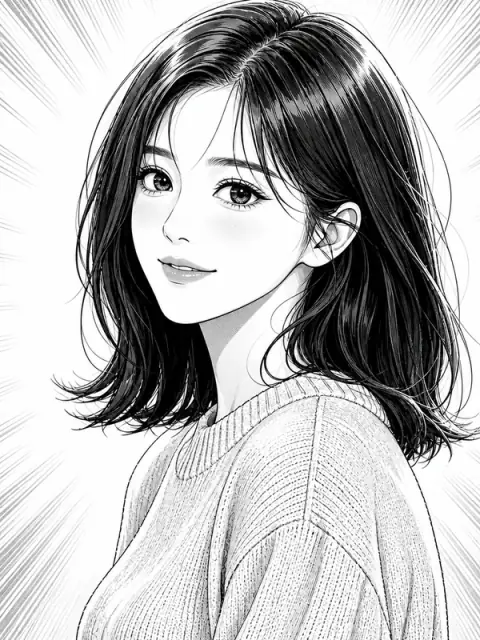
মাঙ্গা

ম্যাজিক্যাল গার্ল

রাত দুটো

নরম চিবি

রোদেলা ক্লাসরুম

রিয়েলিস্টিক
এখানকার কার্ডগুলো কেবল উদাহরণ। আলাপে শুধু পছন্দের আর্ট স্টাইলের নাম বলুন বা পরামর্শ চেয়ে নিন।
এখনো কোনো প্রশ্ন আছে?
যুক্ত করা, খরচ আর আপনার কাজ কোথায় জমা থাকে — এ নিয়েই সবচেয়ে বেশি প্রশ্ন আসে।
MCP কানেক্টর কী, আর এটি কীভাবে যুক্ত হয়?
MCP হলো সেই মান, যার সাহায্যে কোনো AI অ্যাপ অন্য একটি সেবাকে সরাসরি ডাকতে পারে। কানেক্টরের URL একবার নিবন্ধন করুন আর GenToon অ্যাকাউন্টে সাইন ইন করুন — তারপর সেই আলাপেই GenToon-এর গল্প, চরিত্র আর আঁকার ধরন কাজে লাগে। ছবিটি আঁকে GenToon-এর সার্ভার।
কোন কোন AI অ্যাপে এটি ব্যবহার করা যায়?
ChatGPT (ওয়েব), Claude (ওয়েব ও ডেস্কটপ), Cursor, VS Code, Claude Code, Codex আর Gemini CLI। ChatGPT-তে ডেভেলপার মোড লাগে আর সেখানকার MCP অ্যাপ কেবল ওয়েবেই চলে — Plus বা Pro-তে কতটা চলবে তা অ্যাকাউন্টভেদে আলাদা হতে পারে। ফ্রি Claude অ্যাকাউন্টে একটিই কাস্টম কানেক্টর রাখা যায়।
খরচ কেমন?
ওয়েব স্টুডিওর মতো একই ক্রেডিট: চিত্রনাট্য লেখা বিনামূল্যে, প্রতিটি কাটে 13 আর Pro-তে 25; নতুন চরিত্র বানানো বা আঁকার ধরনের নতুন রূপও একটি কাটের সমান। আপনি চরিত্র না বললে পরিকল্পক গল্পের দরকারি চরিত্রগুলো নিজেই বানিয়ে নেয় — আর এভাবে তৈরি প্রতিটি চরিত্রে আরও 13 লাগে। একবারে সবটা বানাতে বললে সে জিজ্ঞেস না করেই আঁকা শুরু করে — আগে জানতে চাইলে বলুন «আগে খরচটা বলো»। ব্যালান্স কম থাকলে কিছুই শুরু হয় না। «ফ্রি» লেখা টুলগুলোরও শর্ত আছে: কমিউনিটিতে প্রকাশ করতে ডাকনাম লাগে, আর চরিত্র ও আঁকার ধরনের জায়গা প্রতিটি প্ল্যানে নির্দিষ্ট।
কানেক্টর দিয়ে বানানো কাজ কোথায় জমা হয়?
সরাসরি আপনার GenToon প্রোজেক্টে। আলাপ শেষ হওয়ার পরেও স্টুডিওতে খুলে সংলাপের বুদবুদ ঠিক করা বা নতুন কাট যোগ করা যায়। আলাপে বানানো চরিত্রগুলোও আপনার তালিকায় থেকে যায়।
এটি কি আমার নিজের চরিত্র আর আঁকার ধরন ব্যবহার করতে পারে?
হ্যাঁ। অ্যাকাউন্ট একই, তাই ওয়েবে বানানো চরিত্র আর ধরনগুলো আলাপেও দেখা যায়। শুধু নাম বলুন: «আমার চরিত্র হারিনকে দিয়ে চার কাটের একটা বানাও»।
AI যদি GenToon-কে না ডাকে?
আগে দেখুন সেই আলাপে কানেক্টর চালু আছে কি না। Claude-এ লেখার ঘরের পাশের «+» থেকে GenToon চালু করুন। ChatGPT-তে সবচেয়ে নিশ্চিত উপায় নতুন আলাপ: «+» মেনু, ডেভেলপার মোড, তারপর GenToon।
এখন শুধু যুক্ত করাই বাকি
একটি কানেক্টর URL আর GenToon-এ সাইন ইন। সেটআপ এতটুকুই।