
From purchase to your first panel,
follow the steps on screen.
Buy passes for all teachers and learners. Send each person a different code before class so they can redeem it and start creating in their own account.
Click a screenshot to enlarge it.
Teachers and organizers
Purchase and distribute passes
Choose a plan and total participants, teachers included
Education pricing: choose Lite, Starter or Pro, then enter the total teachers and learners and a duration of 1–12 months. Each order contains 10~100 paid passes. You may place additional orders as needed. Teachers buy the same paid passes and count toward the total. Check the subtotal after duration and volume discounts. Before payment, download a JPG or PDF quote for your organization’s approval.
Download the code spreadsheet after payment
After payment, a unique code is issued for each purchased pass. Assign one purchased code to each teacher too. On the confirmation page, select Download pass spreadsheet. You can also download it later from My education passes.
For a Korean virtual-account payment, codes are issued after the deposit is confirmed. Check the payment status on your confirmation page.
Send one code to each person before class
Assign the spreadsheet’s Code individually to teachers and learners. Send the assigned code together with the redemption guide below.
Redeem new codes within 3 months of purchase. Check each actual deadline on the confirmation page or spreadsheet. The access period after redemption is separate. One code can be redeemed once by one person, so everyone needs a different code.
Learners and participants
Redeem a code and create your first comic
Sign up or sign in to GenToon
GenToon sign-in page: use a supported Google, Apple or Kakao account. If email-code sign-in is offered, you can use that option. Your first successful sign-in creates your account.

Open Subscription from your profile
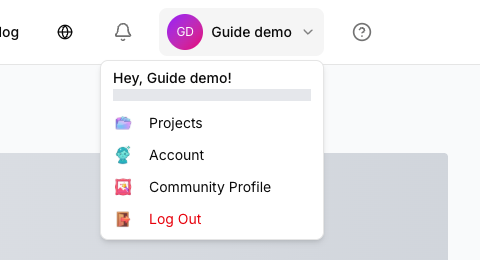
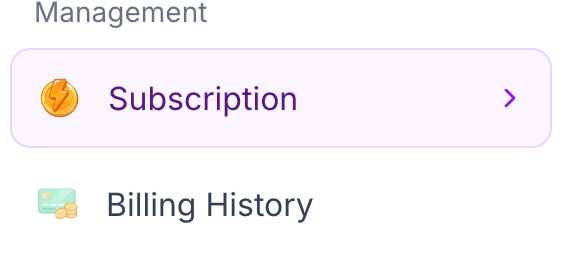
After signing in, open your Profile and go to Account → Subscription. You can also select Redeem a code below to go directly there.
Enter and apply your code
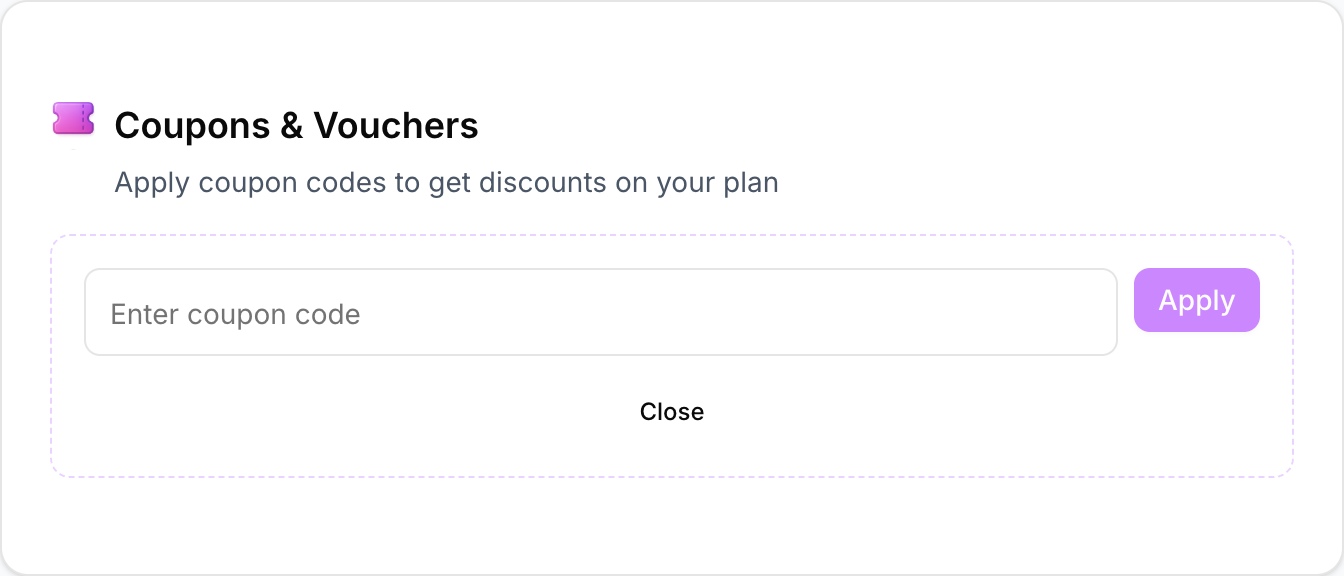
In Subscription settings, find Coupons & Vouchers and select Open Coupon Box. Paste your own code from your teacher and select Apply. Teachers redeem their own assigned code in their own account.
A first redemption starts the purchased access period. Months 1–11 are 30 days each; 12 months is 365 days. An active identical plan is extended from its current end date. Contact support before redeeming if a different paid plan is active.
Create your first panel in Beginner mode
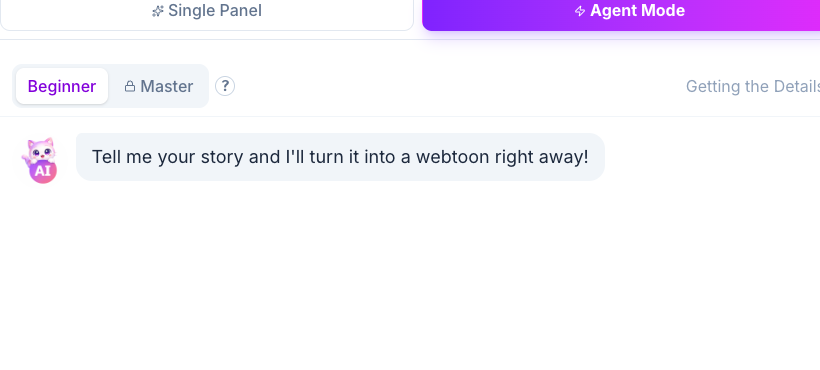
GenToon Studio: choose Beginner mode and describe your story. If an image-model choice is shown, choose Standard. One Standard-model image panel costs 13 credits.

Creating characters and changing styles can also use credits, so actual panel counts depend on how you use the tool.
A short story for your first class
Answer each question in one line to prepare a four-panel story with an ending.
- 1Who is the main character?
- 2What happens in the first scene?
- 3What unexpected event changes the story?
- 4How does the character react at the end?
You can begin with fictional characters and no real-person photos. Read and revise the result before presenting it in class. Publishing outside the class is optional.
