

Make instatoons inside ChatGPT
Draw instatoons right in the chat — your characters, your art styles, no API key.
Start free — no card required.150 credits/month
Connect the GenToon connector
Step 1 Turn on developer mode
On chatgpt.com (web), open Settings → Security and login → Developer mode and accept the warning. On some accounts it sits under Settings → Apps → Advanced settings.
Developer mode works on ChatGPT for web only. On work accounts an admin has to enable it first.
Step 2 Create the app and paste the URL
At chatgpt.com/plugins, press Create app. Name it GenToon, paste this address as the MCP server URL, and pick OAuth. Then Scan Tools → sign in to GenToon → Create.
No client ID or secret needed — GenToon registers itself.
Step 3 Pick it in a new chat
Start a new chat, choose Developer mode from the plus menu, select GenToon, and ask. GenToon is not in the ChatGPT app directory yet, so this is the path.
Start creatingIf a later message does not call GenToon, @mention GenToon again. MCP apps are web-only for now.
On Claude Code, Codex, or Gemini CLI it is two commands — register, then sign in.
What connecting allows
Permissions, credits, disconnecting and how tokens are stored.
What you’re granting
The connected AI can read, generate, edit and publish with your GenToon account. Before you allow it, the screen shows the app’s name and the exact address it returns to.
When credits are used
Only when something is actually drawn or created. The connector just reads your balance; charges go through the same path and the same ledger as the web studio.
Disconnect any time
Revoke it in Settings › Connected apps and that app’s token dies immediately. Connections are per device and per app, so revoking on your phone leaves your laptop alone.
We don’t store your token
Issued tokens are stored as hashes only — the original is handed over once. Every refresh rotates it to a new token.
How does MCP work?
Ask in ChatGPT, and GenToon draws it and hands it back right there.
You: Draw an eight-cut healing instatoon about a cat and its owner.
ChatGPT: I’ll ask GenToon to draw it, with the dialogue in each cut.
ChatGPT: Done — I saved it to your projects.
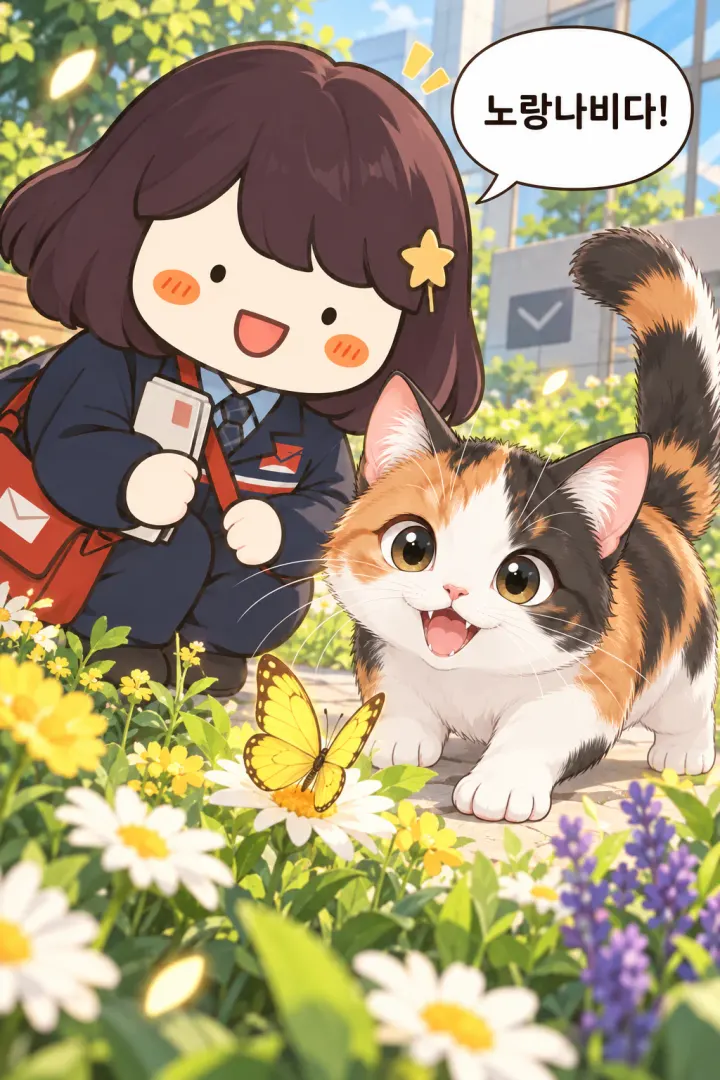
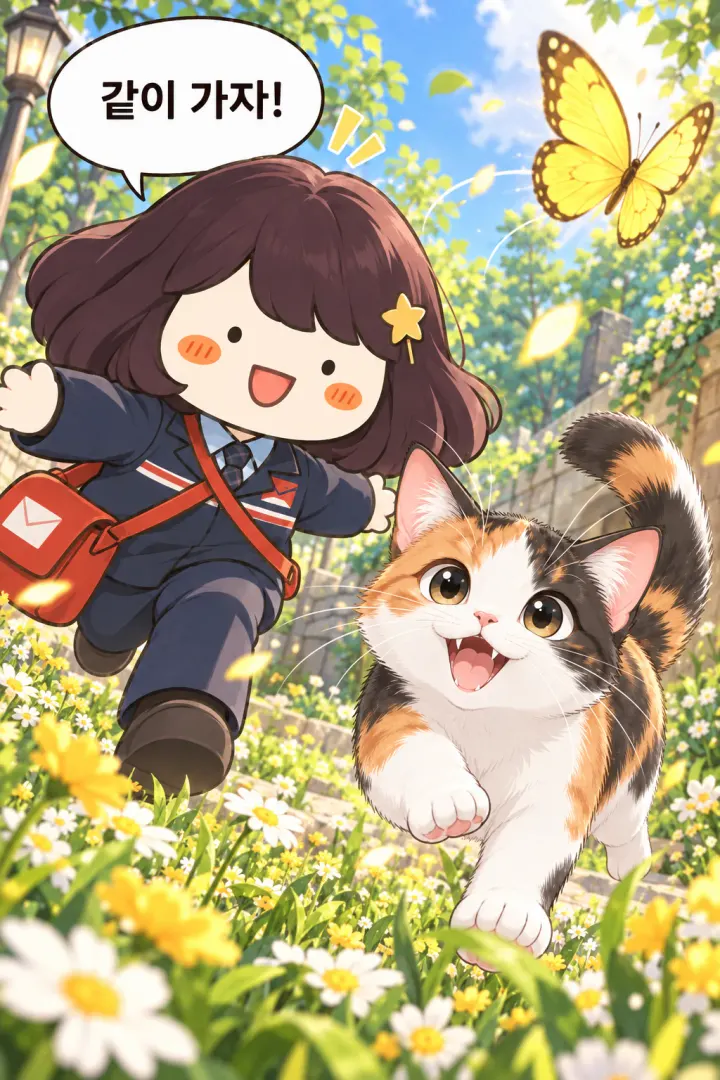
Each cut arrives as its own image. It lands in your GenToon projects, so you can keep editing it in the studio.
An example instatoon made with GenToon.
Create with GenToon tools
Say it in the chat and it is drawn right inside ChatGPT.
9 tools
 Make me an instatoon about Monday blues
Make a whole instatoon
13 credits per cut + 13 per new character I want an instatoon about the office lunch break — show me the setup first
Start with the setup
Free Write the scenario and the lines for this setup
Write the scenario and the lines
Free — 13 credits per new character Great — draw it exactly like that
Draw the scenario you settled on
13 credits per cut Make me a character: an office worker with a bob cut and glasses
Create a character
13 credits Turn the person in this photo into a character
Turn a photo into a character
13 credits Show me my GenToon characters
Bring in my characters
Free Find me an art style that feels like watercolor
Find an art style
Free Save the look of this picture as my art style
Save a look as my art style
Free


Drawing with the Pro model costs 25 credits per cut. Credits are managed in your GenToon account.
Pick a GenToon art style right in the chat
More than 1,500 art styles — name one and the connector draws in it.

Brush-Pen Diary

Webtoon
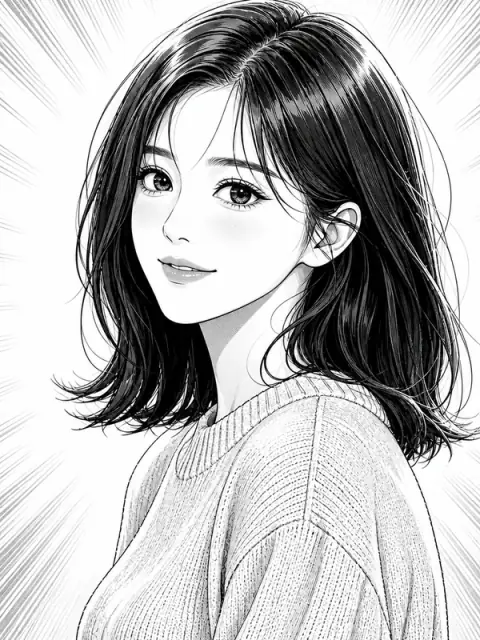
Manga

Magical Girl Sparkle

Midnight Streetlight

Squishy Mini

Sunlit Classroom

Realistic
These cards are examples. In a chat, name the style you want or just ask for a recommendation.
Still have questions?
The ones we get most about connecting, cost and where your work ends up.
What is an MCP connector, and how does it connect?
MCP is the standard that lets an AI app call another service’s features directly. Register the connector URL once, sign in with GenToon, and that chat can use GenToon’s scenarios, characters and art styles. The drawing happens on GenToon’s servers, not in the AI app.
Which AI apps can I use it in?
ChatGPT (web), Claude (web and desktop), Cursor, VS Code, Claude Code, Codex and Gemini CLI. ChatGPT needs developer mode — its MCP apps run on the web only, and how much works on Plus or Pro can differ per account. A free Claude account holds only one custom connector.
What does it cost?
The same credits as the web studio. Writing the scenario is free; a cut costs 13 standard or 25 on Pro, and making a character or an art-style variant costs the same as one cut. If you do not name a character it creates one on the spot — and every character it creates costs another 13. Ask for it in one go and it starts drawing without asking; say “tell me the cost first” for an estimate up front. It never starts when your balance is short. The tools marked free still have conditions — publishing to the community needs a nickname, and characters and art styles have a limited number of slots on each plan.
Where does the work made through the connector go?
In your own GenToon projects. After the chat ends you can still open them in the studio to fix speech bubbles or draw more cuts. Characters made in a chat stay in your list too.
Can it use my own characters and art styles?
Yes. It is the same account, so characters and art styles you made on the web show up in the chat. Just name them — “make a four-cut with my character Harin”.
What if the AI does not call GenToon?
First check that the connector is on in that chat. In Claude, turn GenToon on from the “+” next to the input box. In ChatGPT the surest way is a new chat, then pick GenToon under developer mode in the “+” menu.
All that is left is to connect
One connector URL and a GenToon sign-in. That is the whole setup.