

Zero drawing skills required
Make a Comic Without Drawing a Single Line
Describe a scene in your own words and review the plan before generating panels. Use saved characters or references, check the result, and redraw where needed; redraws use credits.

Start from your own story
Paste a scene from your manuscript or a few lines about something that happened to you. We’ll put it in the studio’s message box, and you can edit it before you send anything.
What are you starting from?
This only fills in the message box. Nothing is sent until you send it yourself. What you send isn’t used to train AI models. Privacy Policy
Just type. Done. · Make AI Webtoons with GenNyang
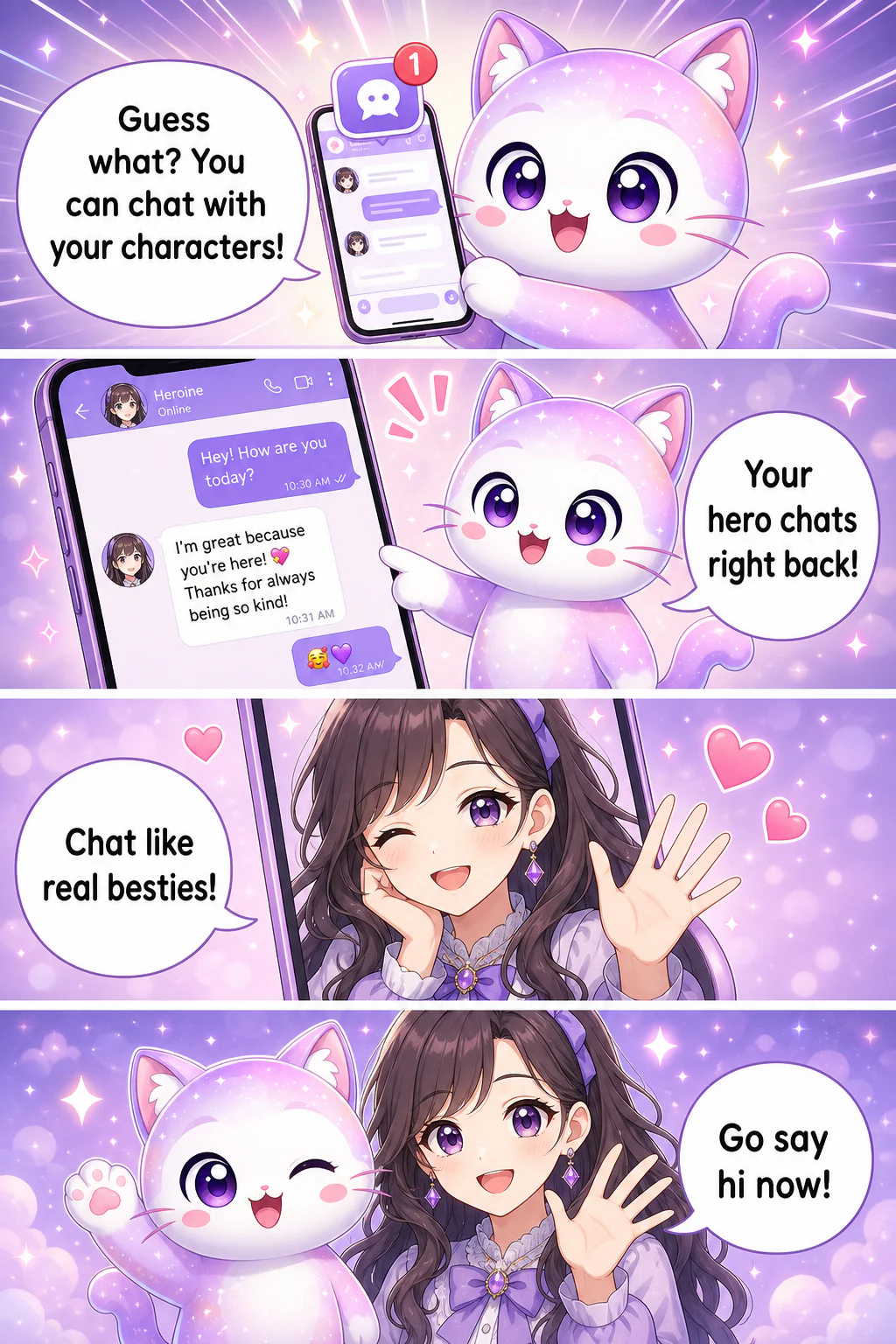
- Guess what? You can chat with your characters!
- Your hero chats right back!
- Chat like real besties!
- Go say hi now!
You bring the story. The drawing? Handled.
Everything the artist part needs · done for you
You've always had the ideas. GenToon quietly covers every skill you were told you needed first.
✍️ Your words become panels
Describe a scene the way you'd text a friend, like 'she opens the door and freezes', and the AI draws that scene. No art vocabulary, no reference boards. If a panel comes out different from what you pictured, just ask for a fix in plain words.
🎭 Keep drawing with your saved character
Reuse saved characters or reference images when planning a scene. Review the generated faces, outfits and poses against your references; appearances can vary, and redraws use credits.
💬 Bubbles and layout, automatic
Speech bubbles are placed near the character who is speaking, and panels flow in an easy vertical reading order. If a bubble lands in the wrong spot or the text comes out wrong, ask for a fix to that panel in plain words. The fiddly editing that scares beginners off is done for you first.
📸 Turn a photo into a character
Upload a selfie or a pet photo and GenToon turns it into a comic character. Save it and it's loaded into the next panels and episodes too; if a panel drifts, redraw just that panel. If you use someone else's photo, ask for their permission first.
🧩 Panels and speech bubbles, handled
No overnight rendering, no waiting on a commission. Type, generate, and watch the AI draw your panels, then redraw and try another story idea whenever you like.
📱 Create on web or on your phone
Start on your laptop, finish on the train. GenToon runs in the browser and as a mobile app, so a shower-thought plotline can become panels wherever it hits you.
From 'I can't draw'. to finished comic in 3 steps
No tutorial marathon. Here's the entire process.
- 01
1. Describe your idea
Type a story beat, paste a short scene from writing you own or have permission to use, or provide an authorized photo. Include the cast, location and dialogue so you can review the plan against your idea.
- 02
2. Let the AI draw it
When the AI shows you the panel plan, choose Standard or Pro and hit draw. The AI sets up your characters, draws each panel, and adds the speech bubbles, with no drawing on your end.
- 03
3. Tweak, then share
Regenerate any panel you want, adjust the text, then post it to the GenToon community or download it to share anywhere. Your first comic, published · no art degree involved.
Who makes comics without drawing?
Turns out, almost everyone with a story and no time to learn a tablet.
The 'someday' webtoon dreamer
You've had a series in your head for years, but 'I can't draw' always stopped it. Now the drawing isn't the wall anymore: you can post episode 1 this weekend.
Novelists and story writers
See your own characters and scenes for the first time. Paste a passage and watch your prose become panels · a whole new way to share the world you already built.
Creators and small brands
Turn a tip, a founder story, or a product moment into a scroll-stopping comic strip for Instagram or a newsletter · no designer, no stock art, just your message.
Teachers and students
Explain a history event or book report as a comic and it actually sticks. A visual project that used to need an artist now needs only a clear description.
Memories and gifts
Turn a trip, a proposal, or a pet's antics into a keepsake comic. Upload the photos, describe the day, and hand someone their life as a little webtoon.
Can you really make a comic if you can't draw? Yes · here's how
Start free · no drawing skills, no credit card
You can start with the Free plan without a credit card. Generation, new character images and redraws use credits, so finished output depends on your model choice and revisions. See /en/pricing for the current allowance and plan limits. Review the current Terms at /en/terms before purchasing.
See Plans & PricingNo-drawing comic maker: your questions
Do I really need zero drawing skills?▾
Zero, genuinely. You never touch a pen tool or draw a line. If you can describe a scene in plain words or upload a photo, GenToon's AI produces the artwork. It was built specifically for people who 'can't draw.'
How does my character carry over from panel to panel?▾
Reuse saved characters or reference images when planning a scene. Review the generated faces, outfits and poses against your references; appearances can vary, and redraws use credits.
How long does one comic take?▾
Drawing time depends on how many panels you make, the art style and how busy the servers are at that moment. There's no commission to wait on: finished panels appear in the studio, and you can redraw a scene in several versions to compare.
Is it actually free to try?▾
You can start with the Free plan without a credit card. Generation, new character images and redraws use credits, so finished output depends on your model choice and revisions. See /en/pricing for the current allowance and plan limits.
Can I turn my own novel or story into a comic?▾
Absolutely · it's a favorite use. Paste a passage from your own writing and the AI turns it into panels with characters and bubbles. Please use stories and characters you own or created, not someone else's copyrighted work.
Can I put myself or my pet in the comic?▾
Yes. Upload a selfie or a photo of your pet and GenToon turns it into a comic character; save it and it's loaded into the next panels too. It's a fun way to star in your own webtoon or make a personal gift. If you use someone else's photo, ask for their permission first.
Standard or Pro: which should I pick?▾
Both draw the same way. Standard costs 13 credits per panel and Pro costs 25. Start with Standard, and redraw a panel with Pro when the staging is complex or there's a lot of text (each redraw uses credits). Tell the AI whether you want the story split across several panels or kept in one image, and it plans the panels to match.
What if a panel comes out wrong?▾
Just regenerate it. You can redo any single frame, adjust your description, or edit the text without redoing the whole comic · so you stay in control even though you're not drawing.
Do I need to install anything?▾
No. GenToon runs right in your web browser, and there's a mobile app if you'd rather create on your phone. Start on one device and pick up on the other whenever inspiration strikes.
Can I share or publish what I make?▾
Yes. Post your comic to the GenToon community to get seen, or download it and share it on social, in a newsletter, or with friends. Plenty of creators build a whole series this way.
Your story has waited long enough
The only thing between you and your first comic was the drawing · and that's handled now. Start free with 150 credits and watch your idea become panels.
Create for Free