
AI Comic Strip Maker
Comic Strip Maker: Free AI Comic Strip Creator
Describe the cast, setting and dialogue, review the panel plan, and generate a draft. Reuse saved references, then review and revise the result; redraws use credits. Start with the credit-based Free plan and see /en/pricing for current allowances.
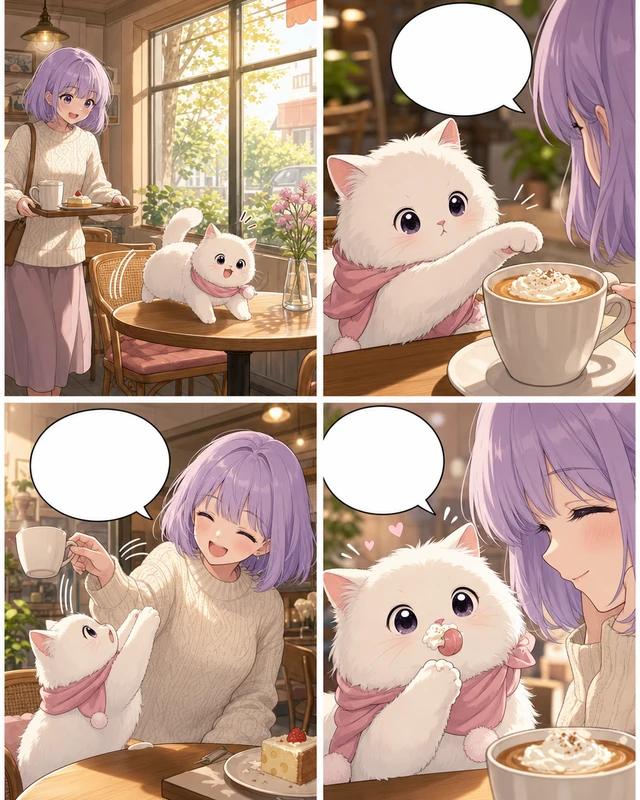


Just type. Done. · Make AI Webtoons with GenNyang
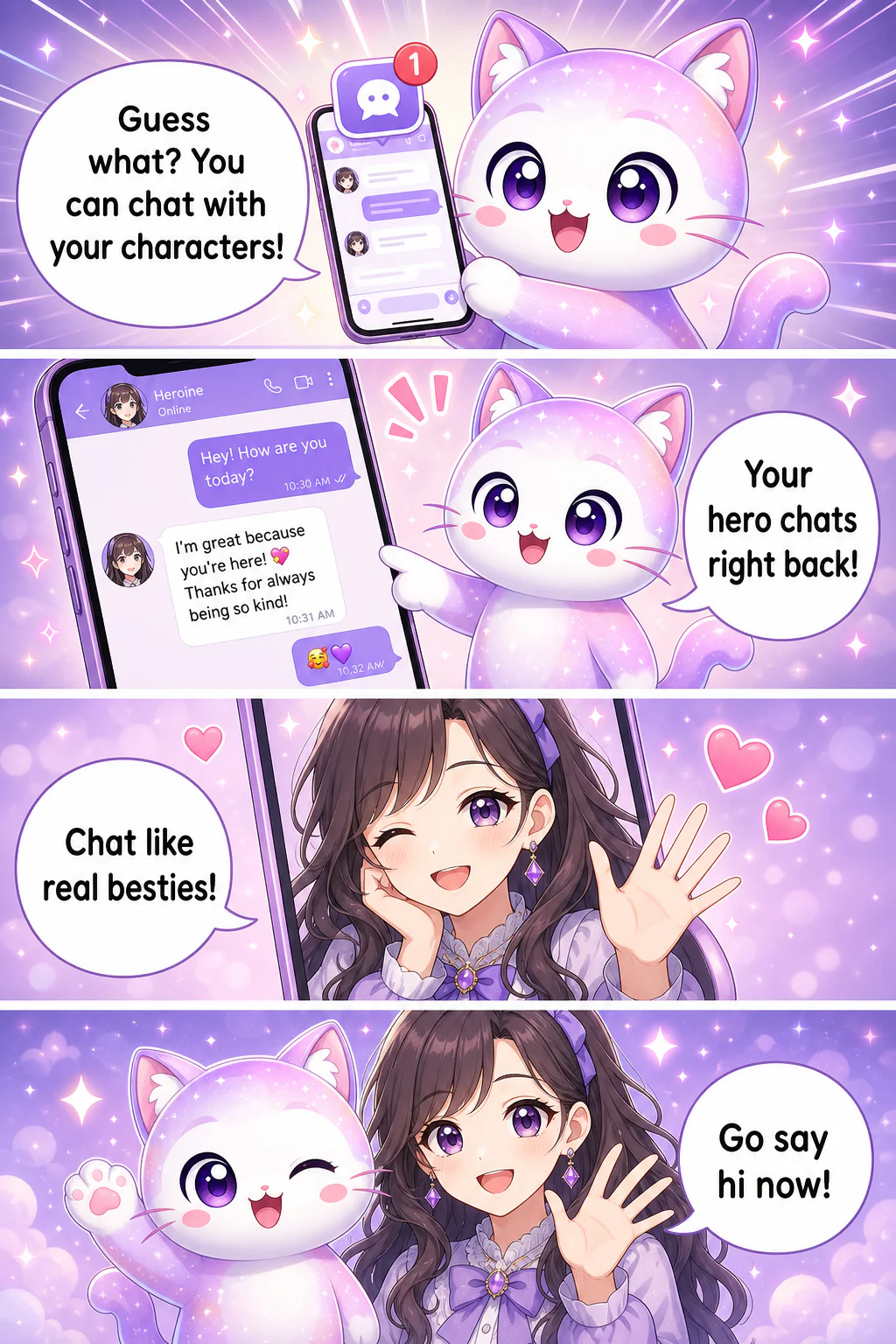
- Guess what? You can chat with your characters!
- Your hero chats right back!
- Chat like real besties!
- Go say hi now!
The Easiest Comic Strip Maker
Everything the Comic Strip Maker Does
Fast, free, and no art skills · from idea to shareable strip.
💡 From Idea to Finished Strip
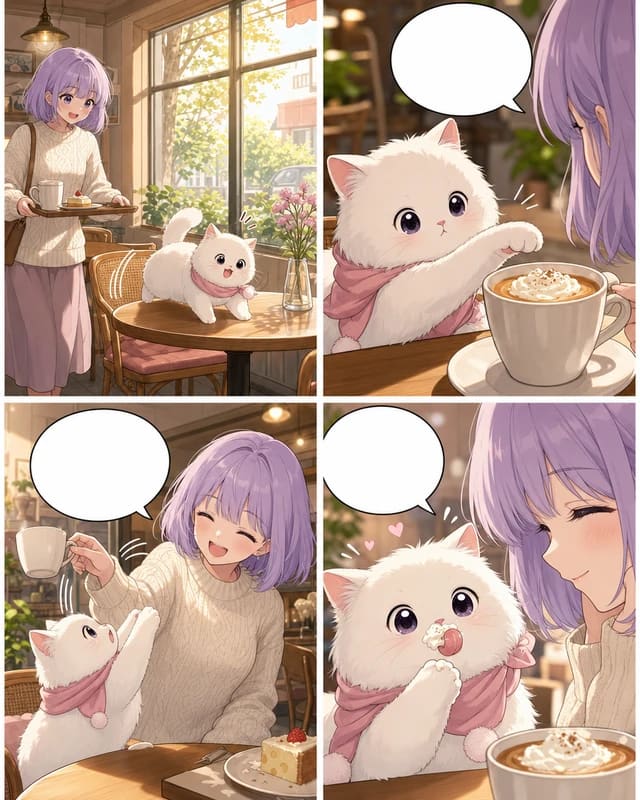
Type your setup and punchline and the AI lays out the panels, draws them, and adds the dialogue. Your finished comic strip, ready to share.
🎯 Recurring Characters
Saved character references guide later panel generation. Reuse the cast and art style, then review faces, outfits and poses; generated results can vary. Redraws use credits.
💬 Speech Bubbles Done for You
Dialogue is placed and sized automatically in the right panel. No manual lettering · the AI handles the whole strip.
🎨 Any Style, One Click
American cartoon, Japanese manga, Korean webtoon, minimal, storybook and more · pick the look that fits your strip.
🏫 Made for Students & Classrooms
Perfect for book reports, language lessons, and class projects. Kids and students can make a comic strip without any drawing skill.
📲 Built to Share
Review and export a short strip for your chosen social channel, and check that channel’s publishing rules before posting.
How to Make a Comic Strip · 3 Steps
No signup wall, no tutorial. Your first strip takes three steps.
- 01
1. Describe Your Characters
Reuse saved characters or reference images when planning a scene. Review the generated faces, outfits and poses against your references; appearances can vary, and redraws use credits.
- 02
2. Type Your Strip
Write the setup and punchline in plain text, or let the AI agent write it. The AI splits it into panels with dialogue.
- 03
3. Generate & Share
Generate the strip, tweak any panel, and download or post to social with one click.
Who Uses the Comic Strip Maker?
Social creators, teachers, students, and anyone with a funny idea.
📲 Social Media Creators
Post daily relatable comic strips to Instagram, TikTok, and X. Recurring characters turn one-off posts into a following.
🎓 Teachers & Students
Make classroom comic strips, book reports, and language-learning strips that hold attention far better than worksheets.
🏢 Marketers & Brands
Produce on-brand comic strips for campaigns and social without hiring an illustrator.
😂 Meme & Humor Creators
Turn an inside joke or a daily-life moment into a shareable strip with your own recurring characters.
🎁 Just for Fun
Make a birthday strip, a couple's story, or a pet's adventures · a keepsake you can print on merch.
Free AI Comic Strip Maker · No Drawing Needed
Free to Start, Fair to Grow
Generation, new character images and redraws use credits. See /en/pricing for current allowances, prices and plan limits; the number of finished panels depends on your choices and revisions. Review /en/terms for purchase and refund conditions.
See Plans & PricingComic Strip Maker FAQ
Is the comic strip maker free?▾
You can start with the Free plan without a credit card. Generation, new character images and redraws use credits, so finished output depends on your model choice and revisions. See /en/pricing for the current allowance and plan limits.
Can I make a comic strip from just text?▾
Yes. Type your setup and punchline in plain English and the AI lays out a 3–4 panel strip, draws it, and adds the dialogue automatically.
Do I need drawing skills?▾
None. The AI draws everything · characters, panels, backgrounds, and lettering. If you can type a sentence, you can make a comic strip.
Is it good for students and classrooms?▾
Yes. It's a favorite for book reports, language lessons, and class projects because students can make a polished comic strip with zero drawing skill.
Will my characters stay the same across panels?▾
Saved character references guide later panel generation. Reuse the cast and art style, then review faces, outfits and poses; generated results can vary. Redraws use credits.
What sizes and styles can I make?▾
3–4 panel strips, plus square Instagram formats and vertical webtoons, in eight art styles from American cartoon to Japanese manga.
Can I share my comic strip on social?▾
Yes. Export for Instagram, TikTok, and X, or a shareable link, in one tap. Comic strips are the most-shared comic format on social.
Who owns the comic strips I make?▾
Use writing, photos and character references you own or have permission to use. Review the current Terms at /en/terms for licensing and commercial-use conditions before publishing.
Can I make comic strips on my phone?▾
Yes. GenToon has iOS and Android apps and a mobile web app, fully optimized for making and sharing strips.
Can it write the joke for me?▾
Yes. The built-in AI agent can write the setup and punchline from a simple premise, then draw the strip. Start with just a topic like 'a cat who refuses to get off the keyboard.'
Make Your First Comic Strip Now
Turn an idea into a finished, shareable strip. Free, 150 credits on signup, no credit card.
Make My Comic Strip Free