

Photo to Comic
Photo to Comic AI: Turn Your Photo into a Comic
Use a photo you own or have permission to use as a starting reference for an illustrated character. Plan a short scene with that character before generating panels. Reuse saved references, review each result and redraw when needed; redraws use credits.


Just type. Done. · Make AI Webtoons with GenNyang
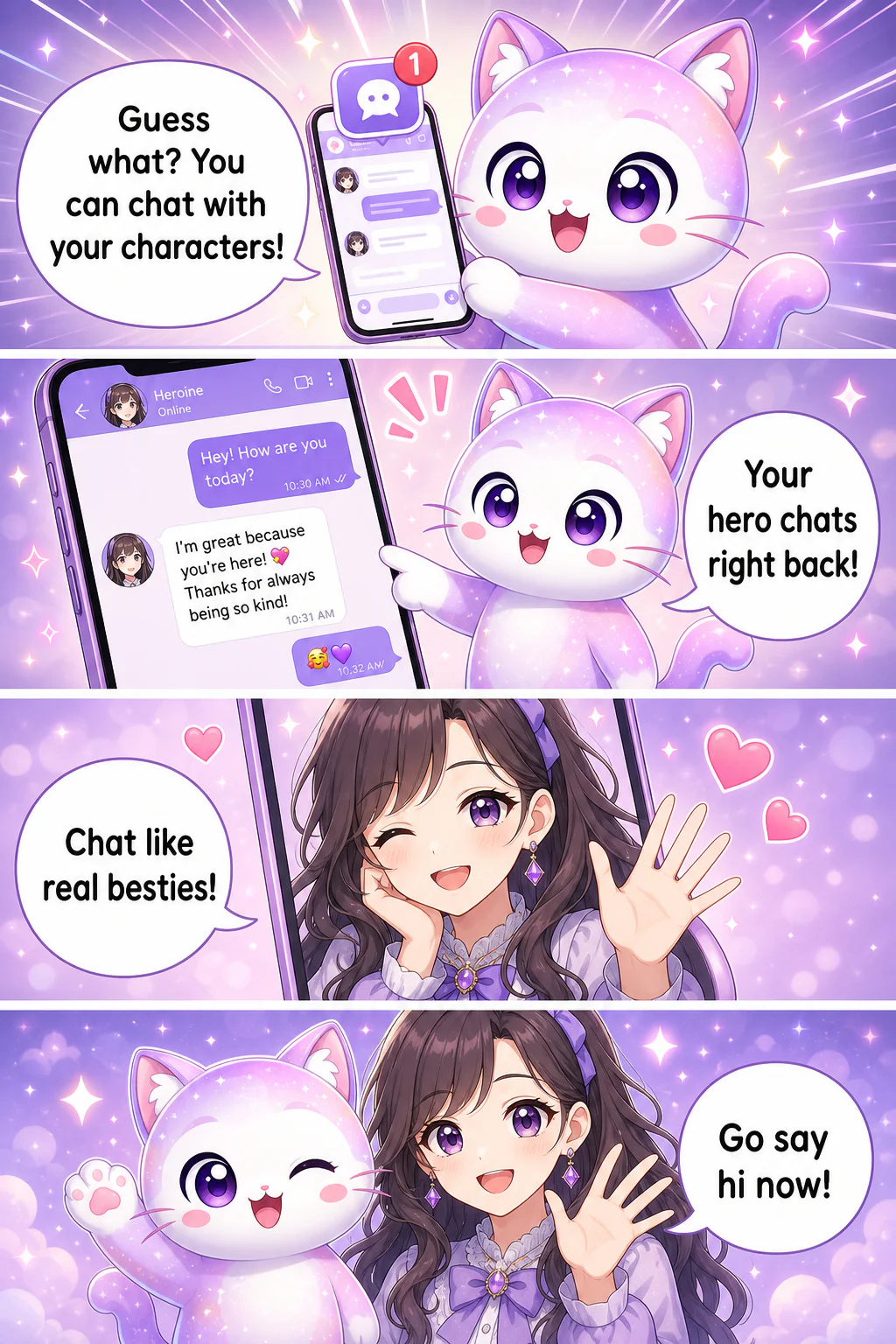
- Guess what? You can chat with your characters!
- Your hero chats right back!
- Chat like real besties!
- Go say hi now!
Turn Any Photo into a Comic with AI
Everything You Need to Comic-ify a Photo
From a plain selfie to a shareable comic panel · with a character that actually looks like you.
📸 Selfie In, Comic Out
Upload any photo · a selfie, a group shot, or your pet · and the AI restyles it into a clean comic panel. Faces, hair, and outfits carry over so it still looks like you.
🎨 Pick Your Style
Webtoon, cartoon, manga, or soft-anime · choose the look you want. The same photo can become a glossy webtoon hero or a cute chibi sticker.
🧬 A Character That Stays You
Reuse saved characters or reference images when planning a scene. Review the generated faces, outfits and poses against your references; appearances can vary, and redraws use credits.
💬 Auto Panels & Speech Bubbles
Add a caption or a punchline and the AI lays out panels and drops in speech bubbles automatically. Your selfie becomes an actual comic, not just a filtered picture.
📱 On Web and in the App
Snap and stylize right from your phone, or work bigger on the web. Your characters and comics sync, so you can start on mobile and finish on desktop.
🚀 Made to Be Shared
Post your photo-comic to the GenToon community, save it for your Instagram stories, or turn your character into merch. It's built to be seen, not stuck in a folder.
How to Turn a Photo into a Comic · 3 Steps
No app to learn, no drawing to do. From photo to comic in three taps.
- 01
1. Upload Your Photo
Pick a clear selfie or photo · you, a friend, or your pet. GenToon reads the face and turns it into a character you can reuse.
- 02
2. Choose a Style
Go webtoon, cartoon, manga, or anime. Add a line of text if you want a caption or punchline, then hit generate.
- 03
3. Share Your Comic
The AI draws your comic panel. Download it, post it to the community, or keep building your character into a full strip.
What People Turn into Comics
One photo is enough. Here's what people make with GenToon.
Yourself as the Main Character
Saved character references guide later panel generation. Reuse the cast and art style, then review faces, outfits and poses; generated results can vary. Redraws use credits.
You and Your Friends
Comic-ify a group photo and turn your crew into a cast. Perfect for inside jokes, birthday cards, and 'this is so us'. strips.
Your Pet as a Character
Make your dog or cat the star of their own cartoon. Upload one photo and give your pet a comic personality · and speech bubbles.
Couple & Anniversary Comics
Turn a photo of you two into a cute webtoon moment. A one-of-a-kind gift that beats any store-bought card.
Profile Pics & Stickers
Spin your selfie into a cartoon avatar or sticker pack for chats and socials. A profile that looks like you, only cooler.
Photo to Comic AI · Turn Your Photo into a Character You Can Keep
Free to Start Turning Photos into Comics
Generation, new character images and redraws use credits. See /en/pricing for current allowances, prices and plan limits; the number of finished panels depends on your choices and revisions. Review /en/terms for purchase and refund conditions.
See Plans & PricingFrequently Asked Questions
How do I turn a photo into a comic?▾
Upload a selfie or photo to GenToon, pick a style (webtoon, cartoon, manga, or anime), and the AI restyles it into a comic panel. No drawing needed, and it's free to start with 150 credits.
Does the comic character actually look like me?▾
Saved character references guide later panel generation. Reuse the cast and art style, then review faces, outfits and poses; generated results can vary. Redraws use credits.
Is it really free?▾
You can start with the Free plan without a credit card. Generation, new character images and redraws use credits, so finished output depends on your model choice and revisions. See /en/pricing for the current allowance and plan limits.
Can I turn a photo of my friend or my pet into a comic?▾
Absolutely. Upload a photo of a friend, your whole group, or your dog or cat, and the AI turns them into a comic character too. Group shots and pets are some of the most popular things people comic-ify.
What comic styles can I choose?▾
You can go webtoon, cartoon, manga, or soft-anime. The same photo can become a glossy webtoon hero or a cute chibi sticker · just pick the style before you generate.
Do I need any drawing or design skills?▾
None at all. That's the whole point · the AI handles the art, panels, and speech bubbles. If you can upload a photo and pick a style, you can make a comic.
Can I make a whole comic strip, not just one panel?▾
Saved character references guide later panel generation. Reuse the cast and art style, then review faces, outfits and poses; generated results can vary. Redraws use credits.
Can I use my photo comics commercially?▾
See /en/pricing for current commercial-use, export and watermark features. Review /en/terms for licensing and use conditions before publishing or selling a result.
Does it work on my phone?▾
Yes. GenToon runs on the web and as a mobile app, so you can snap a selfie and stylize it on your phone, then keep editing on desktop. Your characters and comics sync across both.
Is it safe to upload my own photos?▾
You should only upload photos you own · your own selfies, friends (with their okay), or your pet. GenToon uses them to build your character, and we recommend only uploading photos you have the right to use.
Ready to See Yourself as a Comic?
Upload one photo and let AI do the rest. Turn yourself, your friends, or your pet into a comic character, free to start with 150 credits and no drawing required.
Create for Free