AI Cartoon Generator
AI Cartoon Generator · One Photo or One Line Is All It Takes
Upload a selfie and become a cartoon character. Type an idea and get a finished comic strip. GenToon's cartoon AI draws the characters, panels, and speech bubbles for you · start free, zero drawing skills required.
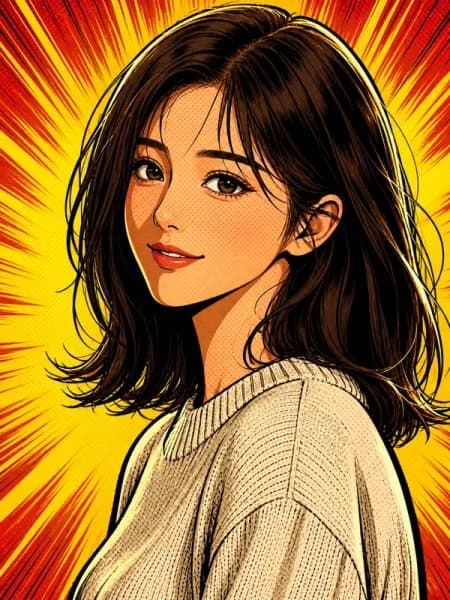

Just type. Done. · Make AI Webtoons with GenNyang
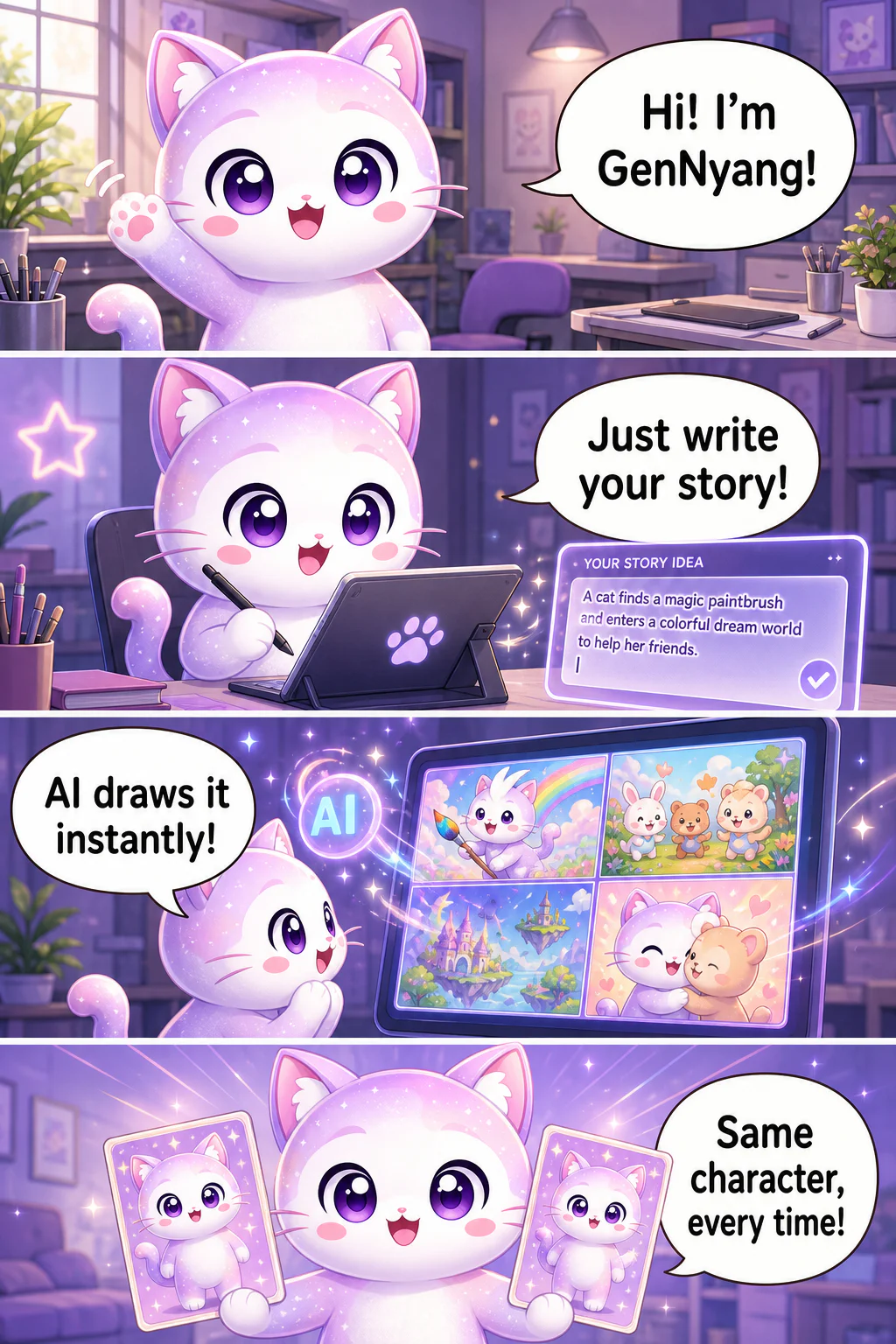
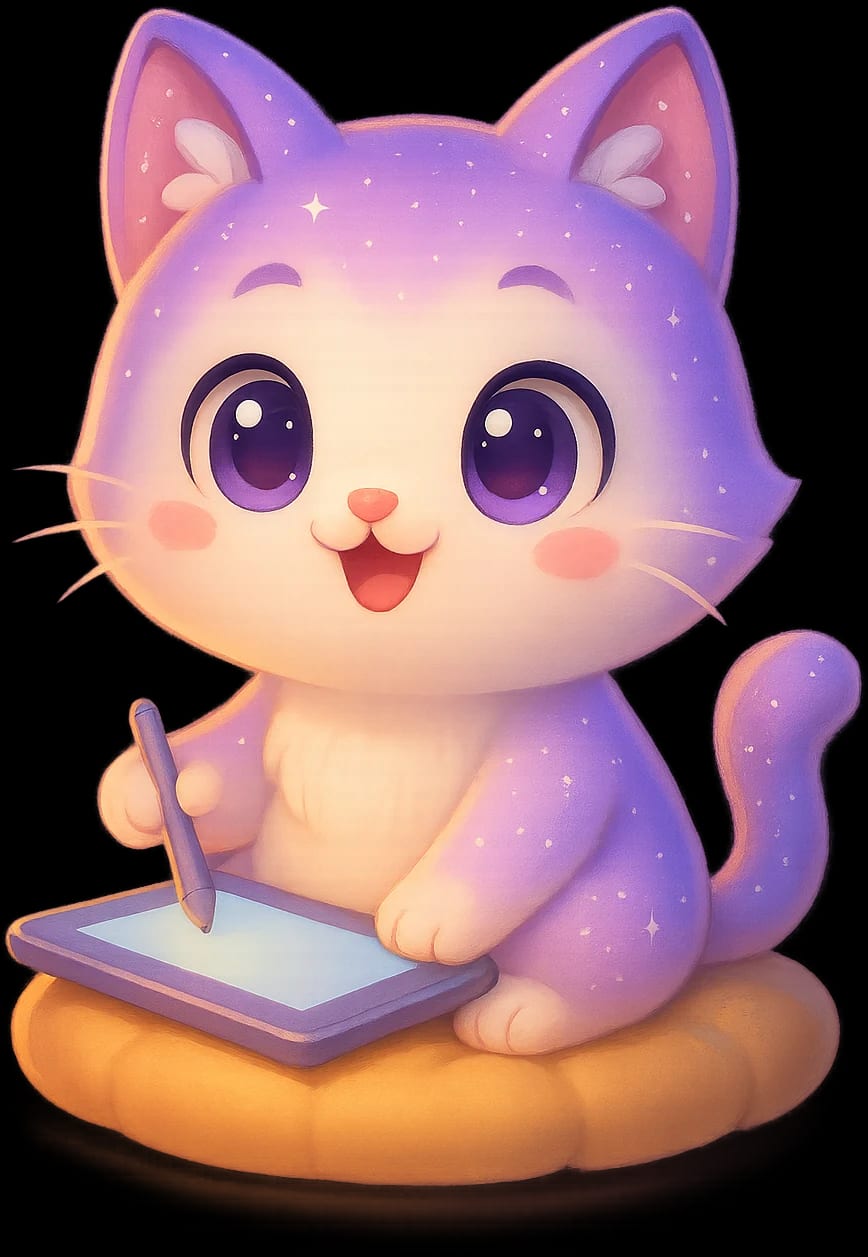
- Hi! I'm GenNyang!
- Just write your story!
- AI draws it instantly!
- Same character, every time!
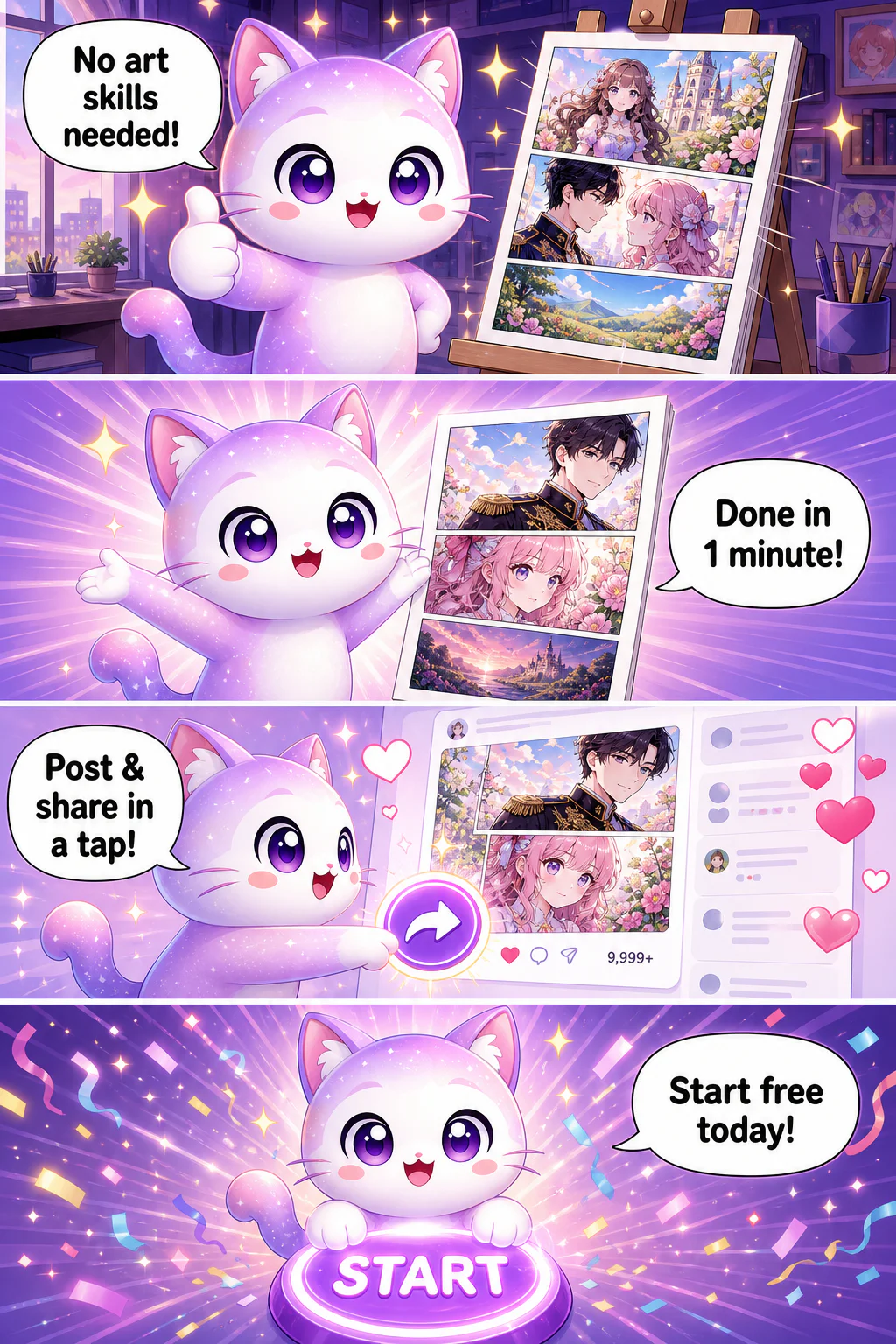
- No art skills needed!
- Done in 1 minute!
- Post & share in a tap!
- Start free today!
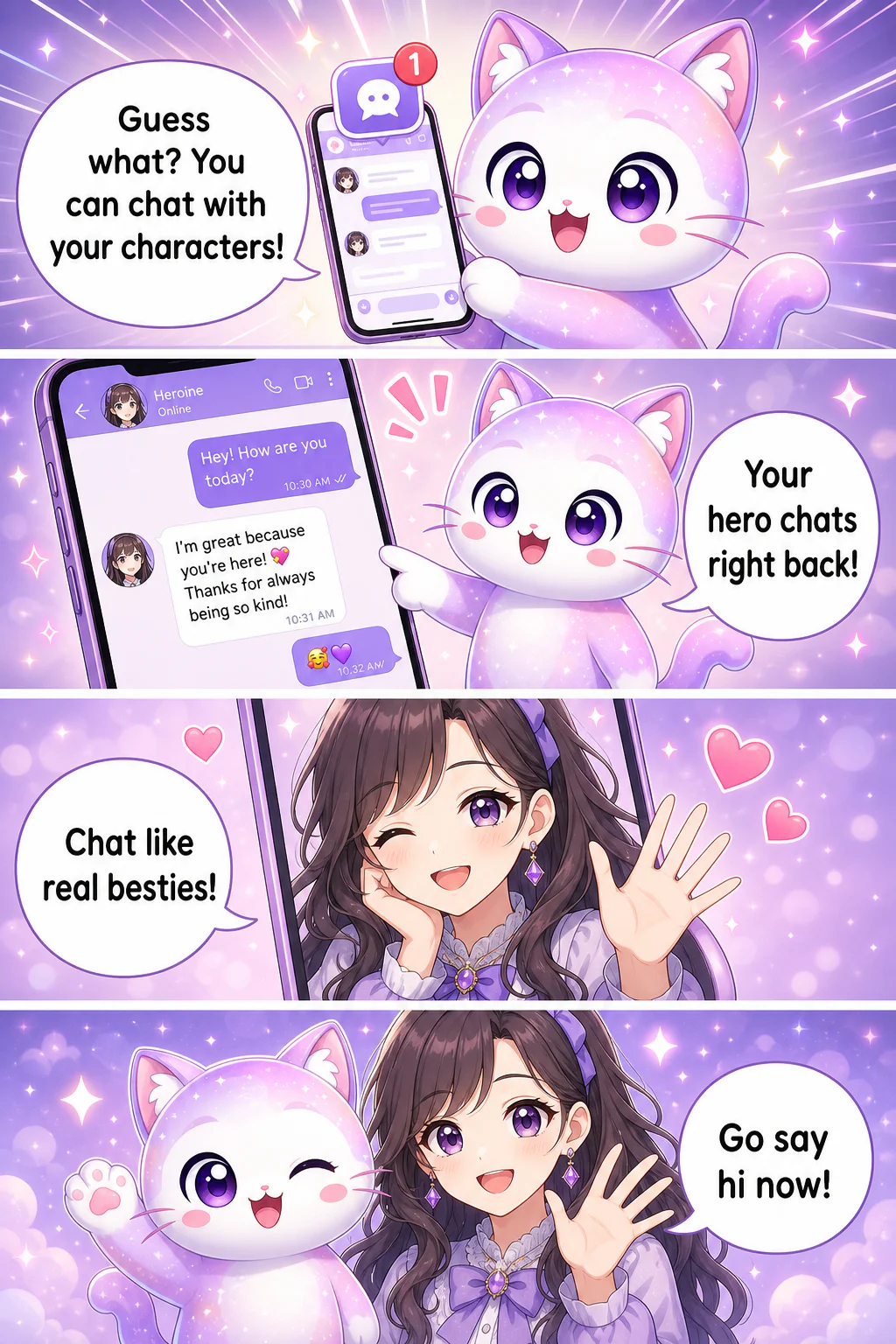
- Guess what? You can chat with your characters!
- Your hero chats right back!
- Chat like real besties!
- Go say hi now!
What Is an AI Cartoon? Your Photos and Ideas, Drawn
Everything You Need to Make AI Cartoons
From photo conversion to fully automated comic strips · six core features that turn anyone into a cartoonist.
📸 Photo to Cartoon Character
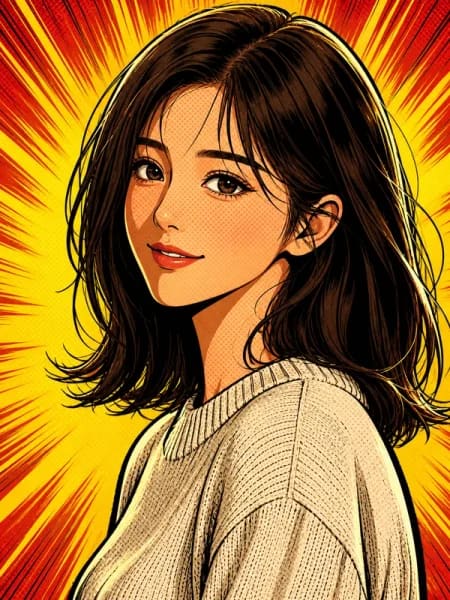
Upload a selfie or portrait and AI converts it into an illustrated cartoon character. Unlike one-off caricature filters, your converted character is saved and stays consistent across every panel and episode · so you can star in your own ongoing cartoon series.
🎭 8 Cartoon Style Presets
American cartoon, fairy tale illustration, Japanese manga, Korean webtoon, watercolor, pixel art, Asian ink wash, mono minimal · switch styles with one click. The same story becomes a completely different cartoon depending on the style you choose.
🤖 Text to Cartoon · Strips From a Single Line
Type 'a 4-panel comic about Monday morning commute despair'. and the AI agent writes the scenario, builds the characters, composes the panels, and writes the dialogue. Give feedback in plain text and it updates instantly · making cartoons becomes as easy as chatting.
🎨 Character Consistency Engine
Create a cartoon character once and AI keeps the same face across every panel and episode. Only expressions, poses, and angles change. This solves the 'different face every time'. problem of generic AI art tools · the key to making actual cartoon series, not just images.
💬 12 Speech Bubble Types, Auto-Placed
Dialogue, thought, shout, whisper, and more · 12 emotion-specific speech bubble types, sized and positioned automatically. With 21 supported languages, the AI writes dialogue in your language, plus 80+ Korean fonts and English/Japanese fonts for publishing anywhere.
📐 Every Format, From One Panel to Vertical Scroll
1:1 square single-panel cartoons, 4:5 Instagram-optimized, 4-panel comic strips, 9:16 vertical scroll webtoons · all supported with AI-optimized composition per ratio. Export in HD, with commercial use included on paid plans.
How to Make an AI Cartoon · 3 Steps
From signup to finished cartoon in about 5 minutes. No drawing tools, no drawing skills.
- 01
Upload a Photo or Create a Character
Upload a selfie to convert it into a cartoon character, or describe a new character in text and let AI generate one. Either way, it's ready in about 30 seconds · and stays consistent across every panel afterward.
- 02
Type Your Story & Pick a Cartoon Style
Write naturally · 'the day a stray cat chose me as its human'. and pick one of 8 styles like American cartoon or fairy tale illustration. Or hand the whole thing to the AI agent and let it write the script from scratch.
- 03
Generate & Publish
Click 'Generate'. → wait 1-2 minutes → a finished cartoon with speech bubbles in place. Export in HD for Instagram, blogs, or messaging apps, or publish to the GenToon gallery and continue it as a series.
Who Makes AI Cartoons?
From cartooning yourself to marketing visuals · five ways creators use GenToon.
🤳 Cartoon Yourself · Profiles & Social
One selfie becomes a cartoon avatar for your social profiles. And unlike a one-off AI caricature, your character persists · use it for a daily-life comic series, YouTube channel art, or a recognizable personal brand across platforms.
🏢 Marketers & Brand Content
Produce ad cartoons, brand mascots, carousel posts, and internal training comics on demand · no designer outsourcing. Paid plans include commercial use and HD export, so the same visuals work in print and paid campaigns.
📝 Social Creators & Daily-Life Cartoonists
Publish single-panel cartoons or 4-panel comic strips daily and grow your audience. 1:1 and 4:5 ratios are auto-optimized for the Instagram feed, and character consistency makes 'Episode N'. serial storytelling possible.
📚 Educators & Trainers
Complex concepts land differently when they're cartoons. Create lesson comics, study guides, and motivational content on the spot · the fairy tale illustration preset is perfect for younger audiences, ready in about 5 minutes.
🎁 Memory Keepers & Gift Makers
Convert family photos into cartoon portraits for anniversaries, preserve pet memories as 4-panel comics, turn travel stories and parenting moments into illustrated keepsakes · far more personal than another photo album.
Photo Filter Apps vs. a Real AI Cartoon Generator
Fair Pricing · Free to Start
Every plan includes photo-to-cartoon conversion, character consistency, all 8 style presets, and auto speech bubbles. Start free with 150 credits on signup; paid plans from $10/month (LITE), with credit packs from $8. Global payments via Polar, with Toss for Korea.
View All PlansAI Cartoon FAQ
Can I really turn a photo into a cartoon character?▾
Yes. Upload a selfie or portrait and AI converts it into an illustrated cartoon character. It's not a filter · the result is saved as a reusable character that keeps the same face across every panel, with changing expressions and poses.
Is the AI cartoon generator free to use?▾
Signup gives you 150 free credits instantly · enough to make your first cartoon and characters at no cost, with no credit card required. For more volume, paid plans start at $10/month (LITE) and credit packs start at $8.
Do I need any drawing skills?▾
None at all. Type one line of text and the AI agent writes the scenario, generates the characters, composes the panels, and places the speech bubbles. If something's off, just say so in chat and the AI revises it instantly.
What cartoon styles are available?▾
Eight presets: American cartoon, fairy tale illustration, Japanese manga, Korean webtoon, watercolor, pixel art, Asian ink wash, and mono minimal · each applied with one click. Pick American cartoon for brand content, fairy tale illustration for kids'. material, and so on.
Can I make single-panel cartoons, not just comic strips?▾
Yes. GenToon supports 1:1 square single panels, 4:5 Instagram-optimized posts, 4-panel comic strips, and 9:16 vertical scroll webtoons. Generate a quick one-panel cartoon for a profile, or expand into a full episodic series.
How is this different from a generic AI image generator?▾
Generic AI art tools produce one image and give your character a different face every time. GenToon's character consistency engine keeps the same face across all panels, and it handles the full cartoon workflow · scenario writing, panel splitting, and 12 types of auto-placed speech bubbles.
Can I use my AI cartoons commercially?▾
Yes, commercial use is included on paid plans · ads, marketing content, branded social posts, and more. HD export is supported, so your cartoons also work in print. See the Terms of Service for full license details.
Are speech bubbles and dialogue added automatically?▾
Yes. AI auto-places 12 speech bubble types · dialogue, thought, shout, whisper, and more · sized to fit your text. With 21 supported languages, dialogue is generated in your language, backed by 80+ Korean fonts plus English and Japanese fonts.
Can I share my cartoons with other people?▾
Yes. Publish to the GenToon gallery to share with other creators, continue your work as an episodic series, or join relay toons where multiple creators build a story together. HD export makes external sharing to Instagram, blogs, and messaging apps easy too.
Does GenToon work in my language?▾
Very likely · GenToon supports 21 languages, and the AI writes cartoon dialogue in the language you use. Create in English, Japanese, Korean, and more, then publish to global social platforms with matching fonts included.
Make Your First AI Cartoon Now
One photo becomes a cartoon character. One line becomes a comic strip. 150 free credits on signup, no credit card required · your first cartoon is 5 minutes away.
Make AI Cartoons Free