Story to Comic
Story to Comic: Turn Your Story into a Webtoon
Bring a scene or comic script. GenToon helps turn the action and dialogue into a panel plan, then draws the panels using your saved cast. Review the result, revise the panels you need, and export your comic.
Start from your own story
Paste a scene from your manuscript or a few lines about something that happened to you. We’ll put it in the studio’s message box, and you can edit it before you send anything.
What are you starting from?
This only fills in the message box. Nothing is sent until you send it yourself. What you send isn’t used to train AI models. Privacy Policy
From an English request to comic panels
Turn a conversation into scenes
One fictional conversation generated in English. Review the speakers, dialogue and expressions before using your own scene.
Exact source request
Make a four-panel comic from this fictional group chat: Mia asks who brings snacks. Leo volunteers cups. Nina volunteers napkins. All three arrive without any food. Short English dialogue.
Generation completed: . Panels 1–3 of 4, in the original order. This is a partial preview.
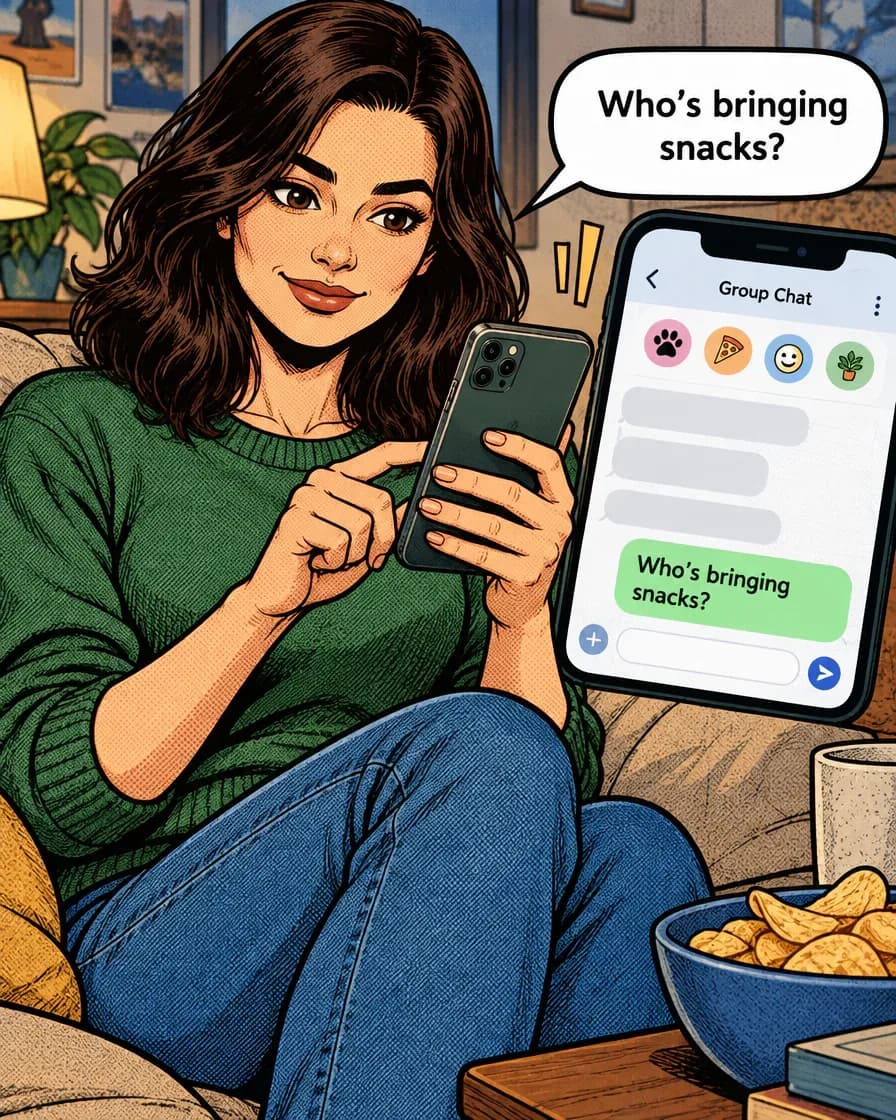
Panel 1 of 4 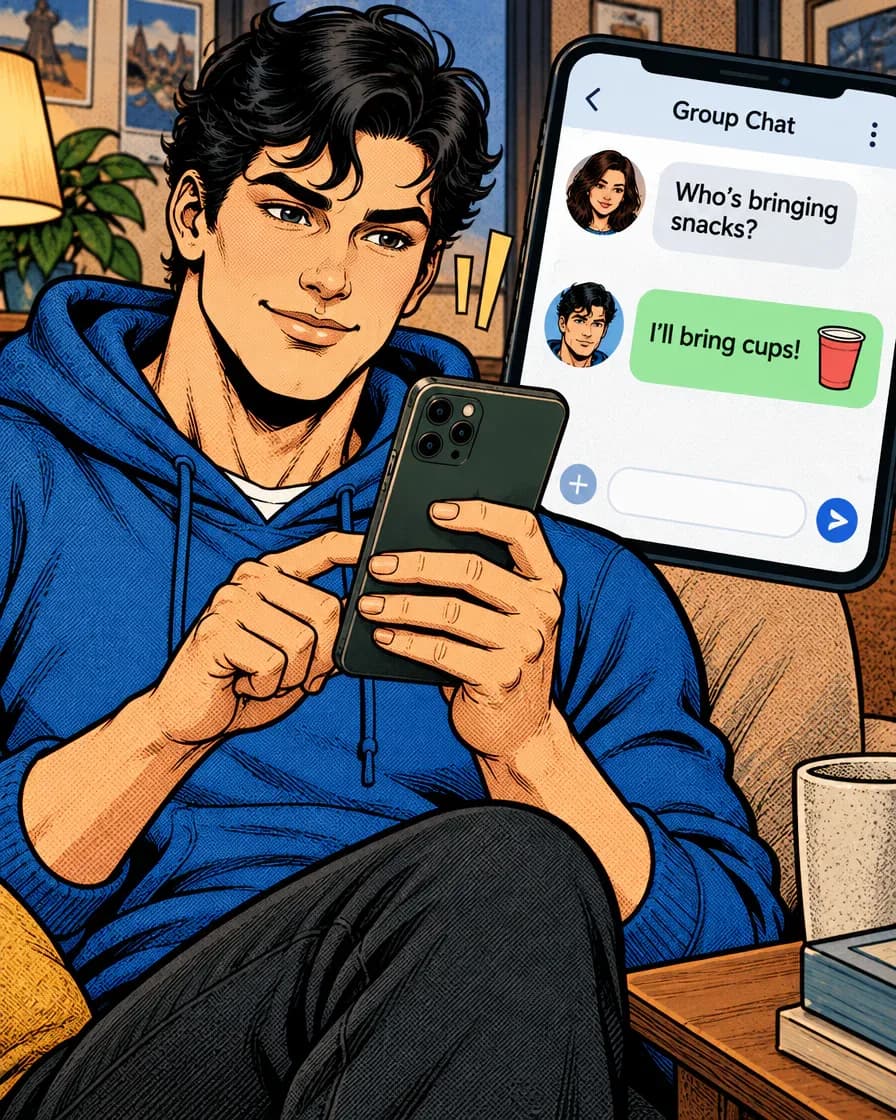
Panel 2 of 4 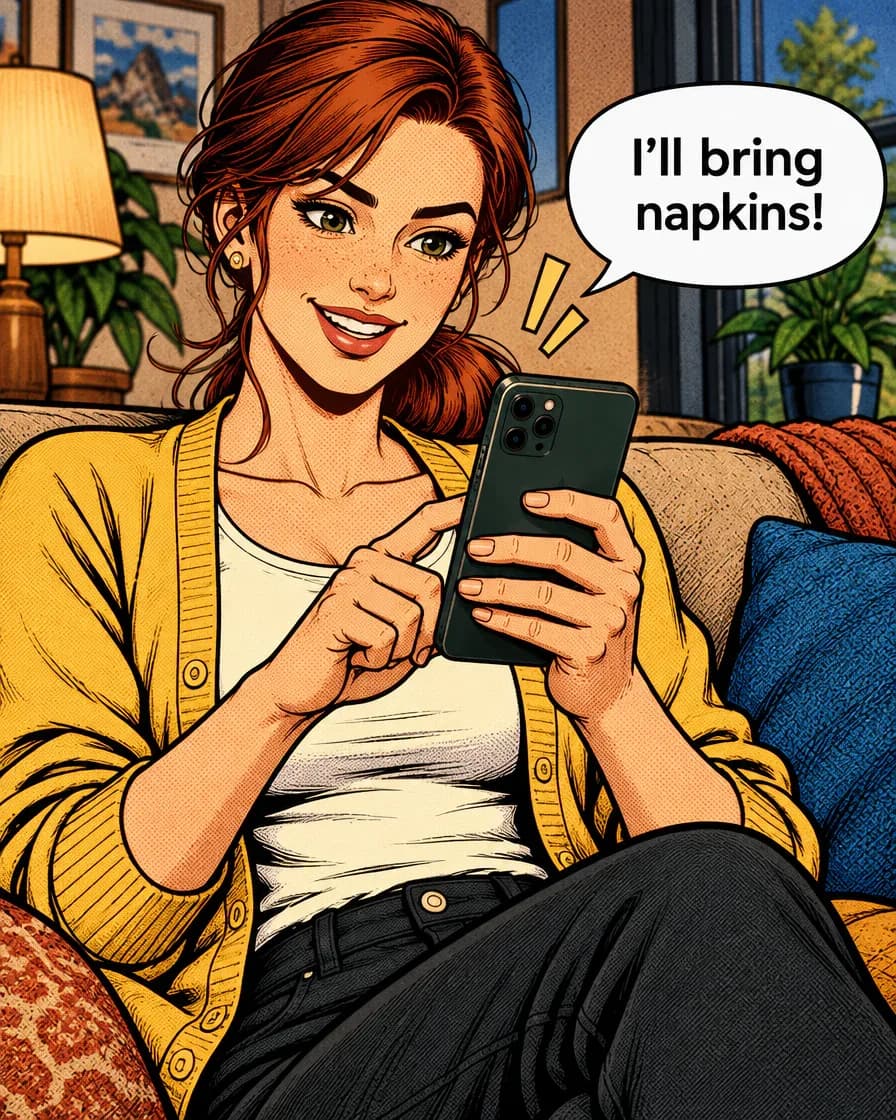
Panel 3 of 4
Just type. Done. · Make AI Webtoons with GenNyang
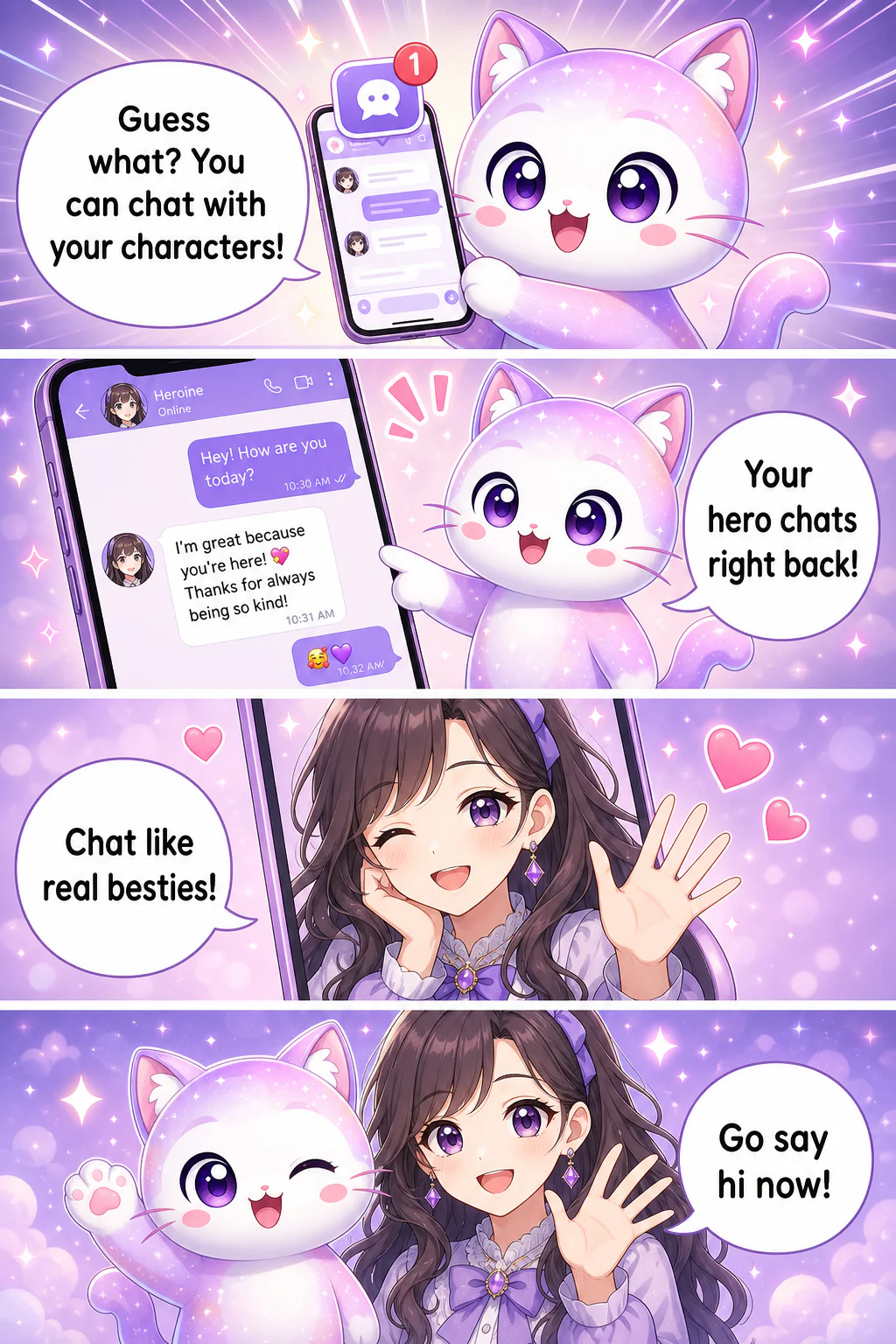
- Guess what? You can chat with your characters!
- Your hero chats right back!
- Chat like real besties!
- Go say hi now!
From comic script to illustrated panels
From Text Story to Visual Webtoon
Everything a writer needs to turn words into a comic · and a fandom.
Bring a scene or panel script
Paste your own scene, dialogue, or panel-by-panel script. Tell the agent who is present, where the scene takes place, and which moments matter. Review the proposed panels before you generate images.
Reuse your saved cast
Reuse saved characters and reference images for your recurring cast. This helps keep faces and outfits recognizable across panels and episodes, but generated details can vary. Review each panel and redraw or edit it when needed; redraws use credits.
💬 Chat With Your Characters
Generate the panels after reviewing the plan. Adjust the dialogue or redraw a panel that needs work, then arrange the finished images into your comic.
📱 Vertical Webtoon Format
Output true scroll-style vertical webtoons, 4-panel strips, or Instagram squares. Your story reads the way modern comics are actually read.
🤖 Stuck? The AI Writes With You
Only have a premise? The AI agent can expand it into scenes and dialogue, then draw it. Great for beating writer's block or adapting a rough draft.
🌍 Publish and Get Discovered
Use writing, photos and character references you own or have permission to use. Review the current Terms at /en/terms for licensing and commercial-use conditions before publishing.
How to Turn Your Story into a Comic · 3 Steps
Bring a story you already wrote. Leave with a webtoon.
- 01
1. Create Your Characters
Paste one scene from your own writing or a comic script. Include the cast, setting, action, dialogue, and the format you want.
- 02
2. Paste or Type Your Story
Choose saved characters or add references for the cast, then review the panel plan and art style before drawing.
- 03
3. Generate Your Webtoon
Generate the panels, check the art and dialogue, revise what needs work, and arrange the scene for export or GenToon community publishing.
Who Turns Stories into Comics?
Writers, readers, and fandoms who want more than text.
✍️ Wattpad & Web Novelists
Turn your ongoing web novel into a webtoon and give readers a visual version. Webtoon adaptations are how text stories break out · now you don't need a studio to do it.
💘 Fanfic Writers
Adapt your fanfic into a comic with consistent character designs. Bring your ship to life visually and share it with your fandom.
📚 Novelists & Authors
Create a comic teaser or full adaptation of your book to promote it. A visual hook converts browsers into readers far better than a text blurb.
🎮 Worldbuilders & Roleplayers
Visualize your OCs and campaigns, then chat with the characters to develop them further. Your world becomes interactive.
🎬 Aspiring Comic Creators
Always wanted to make a webtoon but can't draw? Start from the story you already have and publish your first series this week.
A practical script-to-comic workflow
Free to Start Adapting Your Story
Start with the Free plan and review the current credit allowance on Pricing. Drawing panels, creating character images, and redrawing images use credits. Plan limits, watermark rules, and commercial-use conditions also depend on the plan. Budget for the draft and any revisions before adapting a longer script.
See Plans & PricingStory to Comic FAQ
Can an AI tool turn my comic script into panels?▾
Yes. Paste your script into the GenToon studio, describe the cast and format, and review the proposed panel plan. Generate the panels with saved characters or references, then check the images and speech bubbles before export.
What should I put in a comic script for the AI?▾
Include the setting, characters, action, and dialogue for each scene. A panel-by-panel script can also specify a camera angle or expression. Start with a short scene so you can check the plan and revise the result.
Can I adapt writing from Wattpad?▾
Yes, if it is your writing or you have permission to adapt it. Copy the scene text into the studio and work scene by scene. GenToon is not affiliated with Wattpad, and this workflow does not require a Wattpad account connection.
Do I need to be able to draw?▾
No. The whole point is that you write and the AI draws. Character art, panels, backgrounds, and lettering are all generated for you.
Can I really chat with my characters?▾
Yes. Once a character exists in GenToon, you can message them and they respond in character based on their personality and your story. It turns your comic into an interactive world.
What kinds of stories work best?▾
You can try romance, fantasy, action, or everyday scenes. Scenes with clear characters, actions, and short dialogue are easier to review than a full manuscript supplied at once.
Can I publish a full series, not just one page?▾
Yes. Reuse your saved cast and style for the next episode, review continuity, and publish a series in the GenToon community. You can also export images for manual upload elsewhere, subject to that platform's rules.
Who owns the comic I make from my story?▾
Use writing and characters you own or have permission to adapt. Rights to results are governed by the GenToon Terms of Service; whether AI-generated images qualify for copyright protection depends on local law. Check the rules of the place where you plan to publish.
Is it free to try?▾
You can start with the Free plan without a credit card. Panel generation, new character images, and redraws use credits, so the number of finished scenes depends on your model choice and revisions. See Pricing for the current allowance, generation costs, and plan limits.
Can I do this on mobile?▾
Yes. GenToon has iOS and Android apps and a mobile web app, so you can adapt your story into a comic from your phone.
Turn Your Story into a Webtoon Now
Bring one scene, review its panel plan, and see how your cast looks on the page. Start free, then choose which panels to revise and export.
Turn My Story into a ComicExplore More
Wattpad™ is a trademark of Wattpad Corp. GenToon is not affiliated with, endorsed by, or sponsored by Wattpad. The name is used only to refer to the platform where many writers publish the original stories they own.