
How to Turn Your Group Chat Into a Comic (Real Example Inside)
Every group chat has one legendary thread. Here’s how to turn it into a four-panel comic your friends will actually share, without leaking anyone’s messages.
Tutorial · 2026-09-29
Quick answer
Pick one moment from the chat with a clear turn, rename everyone, and retell it in four beats: setup, build-up, silence or twist, punchline. Paste that into an AI comic tool that keeps characters consistent, and it draws the panels with your dialogue in the bubbles. Ask your friends before you post.

Group chats are the best writers’ room most of us will ever have. The characters are established (the planner, the one who replies with emojis only, the one who reads everything and says nothing), the timing is built in, and every few weeks someone produces a line that deserves to be framed.
The problem is that screenshots are ugly, full of private details, and nobody outside the chat understands them. A comic fixes all three: it keeps the joke, drops the phone numbers, and reads instantly on anyone’s feed.
Below is the process we used for “The Trip That Never Happened,” a four-panel comic about the most universal group chat plot there is.
Why do group chats make such good comics?
A good short comic needs three things: characters you recognize, a situation everyone has lived through, and a turn at the end. Group chats hand you all three.
- Characters: each friend already has a voice. Two lines of dialogue are enough to make them distinct.
- Shared experience: plans that never happen, voice notes that are four minutes long, the friend who “will check their calendar.”
- Built-in timing: messages arrive in beats, and silence is its own punchline.
The trick is to stop thinking in screenshots and start thinking in moments.
How do you keep your friends’ privacy safe?
Your chat contains other people’s words. Treat it that way.
- Rename everyone, or use nicknames your friends are happy with.
- Remove phone numbers, addresses, workplaces and anything that identifies someone who isn’t in on the joke.
- Retell rather than paste. You don’t need the exact messages, just the shape of the conversation.
- Ask before posting publicly. Most friends say yes, especially when they see how good they look as comic characters.
How do you find the four beats in a chat?
Scroll back and find a thread with a turn. Then compress it into four beats:
| Beat | Job | Our example |
|---|---|---|
| 1. Setup | The big announcement | “WE NEED A GIRLS TRIP THIS SUMMER!!” and a wall of emojis |
| 2. Build-up | Everyone commits (sort of) | Three dates in a shared doc, “I’ll check my calendar.” |
| 3. Turn | Reality arrives | Two weeks of silence, then “so… are we still doing this?” |
| 4. Punchline | The callback | One year later, in winter coats: “WE NEED A GIRLS TRIP THIS SUMMER!!” |
The callback in panel 4 is the whole joke. If your thread doesn’t have one, look for the line that got the most replies. That is usually the punchline.
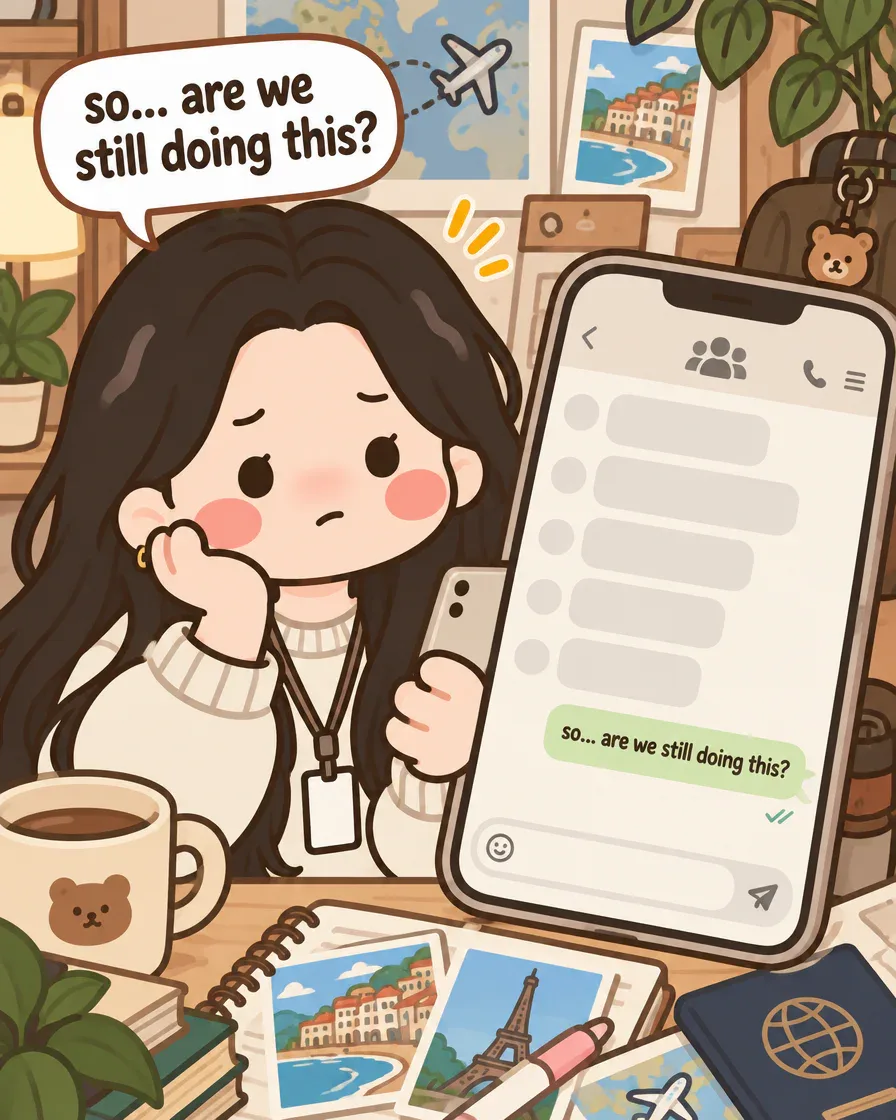
How do you turn friends into consistent characters?
Give each person two or three visual details and one personality note, for example “Maya: long wavy hair, always the planner.” That is enough for a consistent character. In GenToon, characters the story needs are created and saved automatically, so the same three friends show up in every panel, and in the next comic about them.
If you want a friend to look like themselves, you can create a character from a photo instead. Only do that with their permission.
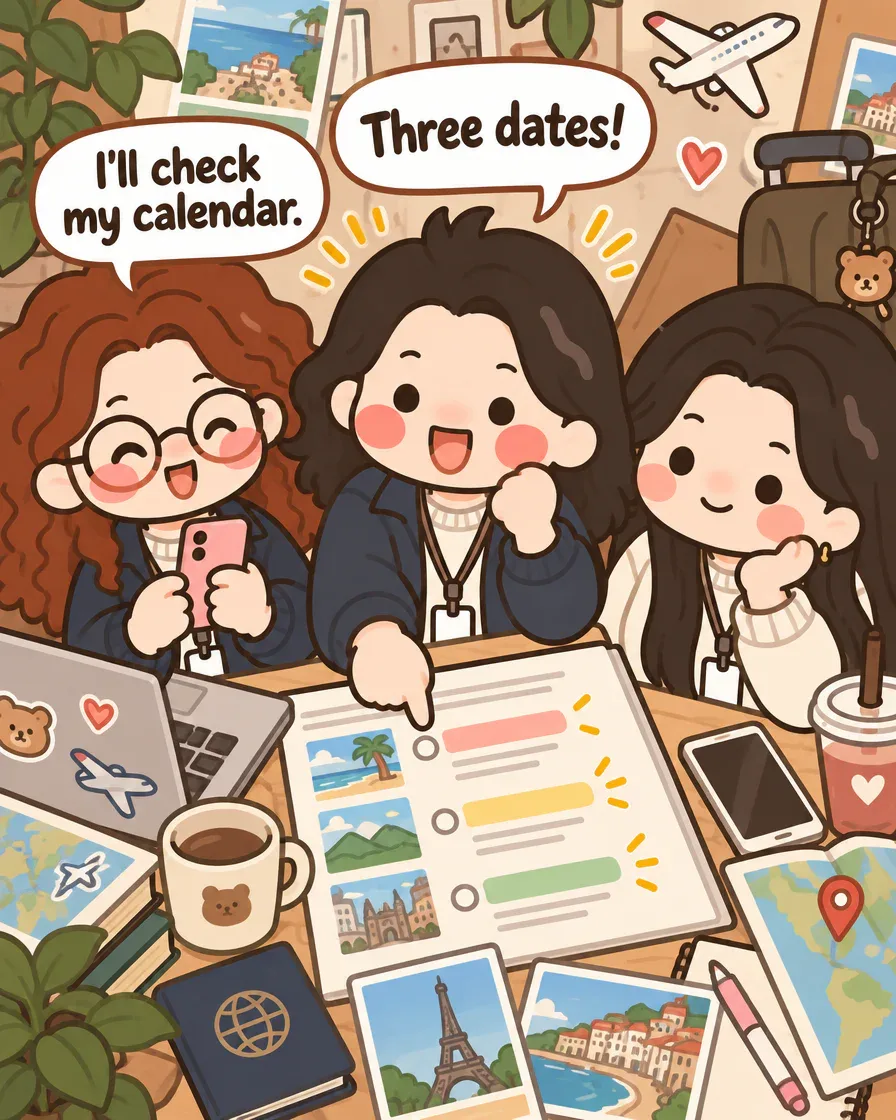
How do you generate the panels?
Paste your four beats into the story-to-comic studio chat (“Make a 4-panel comic: …”) and choose a style. For relatable daily-life comics, clean chibi styles in the Insta Comics category read best on small screens. GenToon writes the scene for each panel, draws it in portrait 4:5 for Instagram, and puts your dialogue in speech bubbles. Planning the story is free; credits are spent only when the panels are drawn.
Our first pass needed no retries: the emoji bubbles, the shared planning doc and the snow outside in the last panel all came out as written. If a line is too long for a bubble, shorten the dialogue rather than asking for a bigger bubble. Short lines are funnier anyway.

Ten group chat moments that make great comics
- The trip that never happens (see above)
- The four-minute voice note that could have been one sentence
- “Who’s bringing what?” turning into five people bringing chips
- The friend who replies to a two-week-old message like no time has passed
- Birthday planning behind someone’s back, in the chat they’re also in
- Restaurant indecision: 47 messages, same place as always
- The typo that became the chat’s new word
- Someone announcing news and the chat focusing on the wrong detail
- The meme that only makes sense to four people on Earth
- Mom joining the group chat
How do you post it so your friends share it?
Post panels as a carousel with the cover first; the title on panel 1 tells people what they’re swiping into. Tag your friends in the caption rather than in the image, and end the caption with a question, such as “What’s your group chat’s version of this?”, because comments are what push relatable comics to more people.
The free plan includes 150 credits a month, about 11 panels at standard quality: enough for two four-panel comics a month. A four-panel comic costs 52 credits at standard quality, so if you want to post every week, the Lite plan’s 800 monthly credits cover that with room to spare.
What doesn’t translate well from a chat?
Not every thread survives the trip from chat to comic. A few things to watch:
- Inside jokes that need months of context. If you have to explain it in the caption, pick another moment.
- Long rapid-fire arguments. Twenty messages won’t fit in four panels; keep the first line and the last line and cut the middle.
- Crowded scenes with exact gestures. Five friends around one table, each with a specific hand pose, may take a second try or a quick edit to a single panel.
- Text inside the image. Dialogue is drawn as part of the picture, so read every bubble before you post; an occasional wrong letter is fixed by editing that one panel.
- The logo. Images made on the Free, Lite and Starter plans carry a small GenToon logo; it disappears from the Pro plan up.
All you need is an idea — GenToon's AI draws the rest.
Create for freeFrequently asked questions
Can I paste the whole chat?▾
You can, but you’ll get a better comic by retelling the four key moments. It’s also safer: fewer private details end up in the story.
Do my friends need a GenToon account?▾
No. Only the person making the comic needs an account. Characters are generated from your descriptions.
Can I make the comic in a language other than English?▾
Yes. Dialogue is drawn in the language you write in, and GenToon supports 21 languages, which is handy for group chats that switch languages mid-sentence.
What size should the panels be for Instagram?▾
Portrait 4:5 is the default and fills the most space in the Instagram feed. Use 9:16 if you plan to turn the panels into a Reel or TikTok slideshow.
Is it really free?▾
The free plan gives you 150 credits every month, and planning the story is free. A standard panel costs 13 credits and a Pro-quality panel costs 25.
Related tools
Just type. Done. · Make AI Webtoons with GenNyang
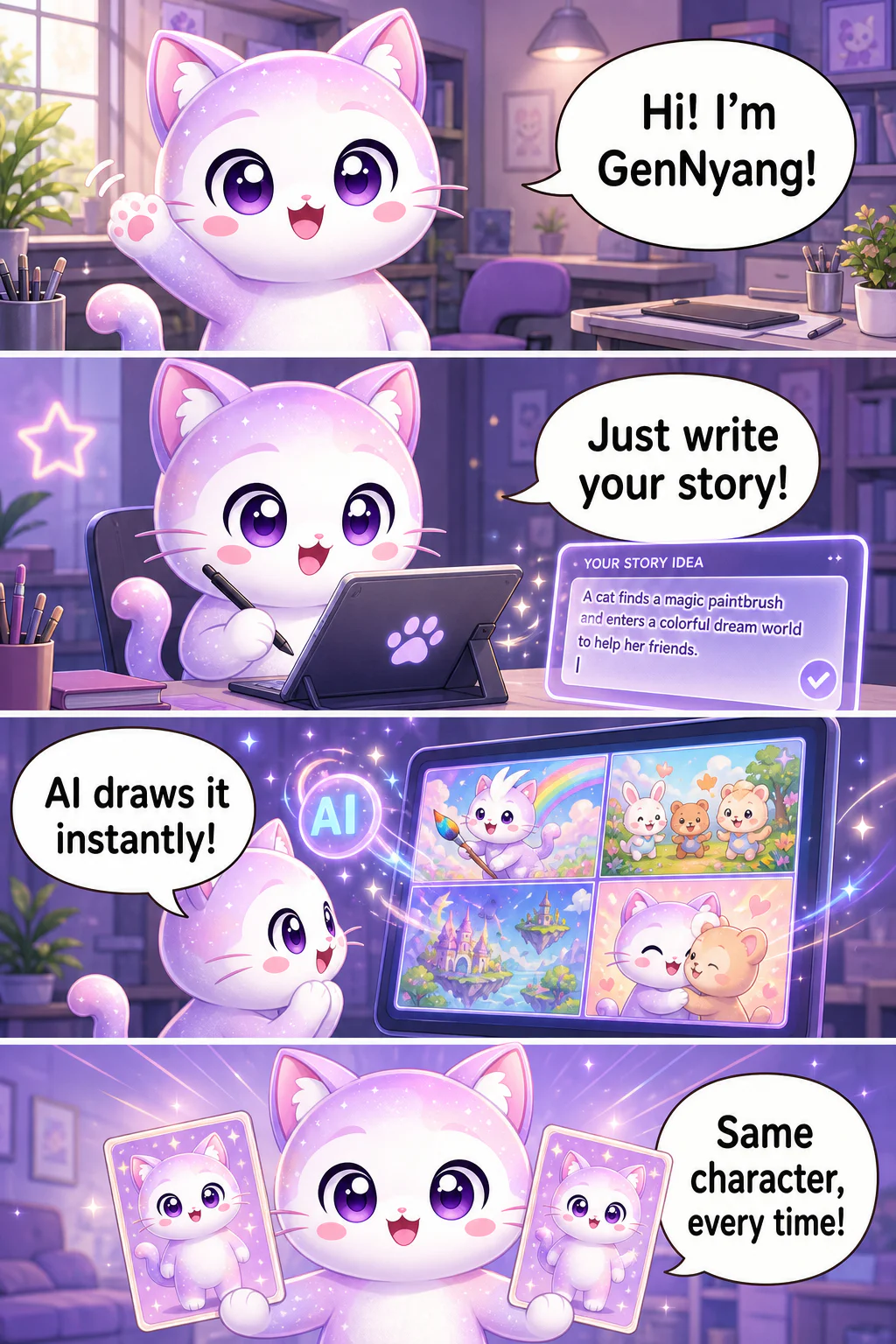
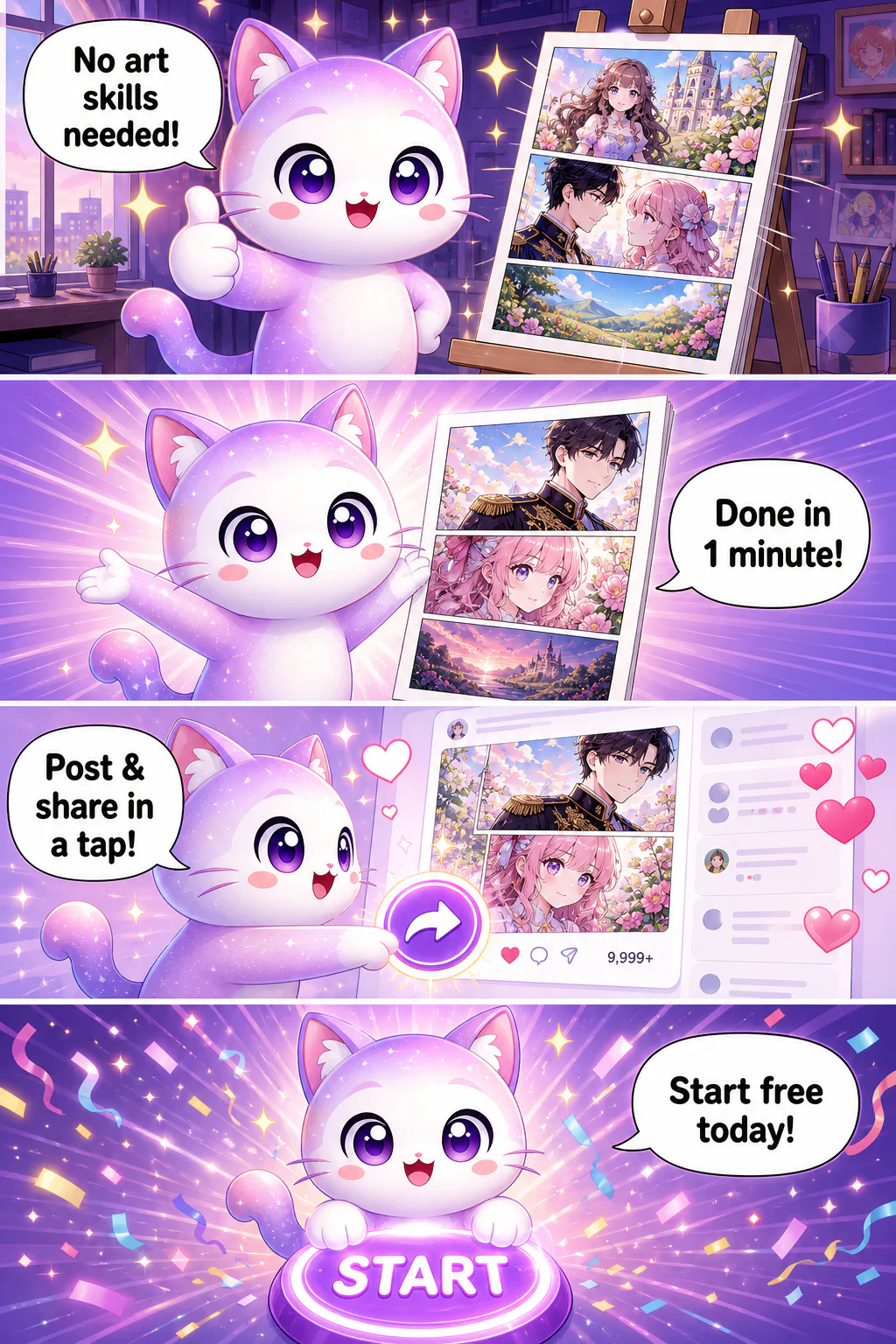
- Hi! I'm GenNyang!
- Just write your story!
- AI draws it instantly!
- Same character, every time!
- No art skills needed!
- Done in 1 minute!
- Post & share in a tap!
- Start free today!
- Guess what? You can chat with your characters!
- Your hero chats right back!
- Chat like real besties!
- Go say hi now!
